
System Requirements
Please take note of the system requirements for the eperi sEcure Platform (see Administrator Manual) and additionally the following requirements regarding the eperi sEcure AnyApp REST-based.
DNS Requirements
In order to set up the eperi sEcure Platform, a registered DNS domain is recommended.
For the example below, the registered domain is demo.eperi-cdp.com.
DNS should be resolvable both internally and externally.
It is strongly recommended to have a wildcard DNS for this domain.
A Record
demo.eperi-cdp.com → 1.2.3.4 (server IP address)
CNAME Record
*.demo.eperi-cdp.com → demo.eperi-cdp.com
If this is not possible, all hostnames used for any endpoints exposed by the eperi sEcure Platform must be included in the DNS entry.
SSL Certificate Requirements
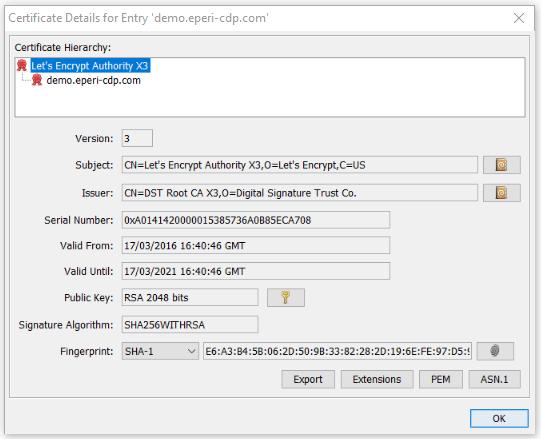
The eperi sEcure AnyApp REST-based requires a trusted SSL certificate with (as a minimum) the domain name as subject (e.g. demo.eperi-cdp.com).
For the setup and installation of the eperi sEcure Platform, you will need to obtain
- the private Key,
- the certificate and
- the certificate chain including root and intermediate CA certificates.
Search Requirements
Install and configure the Apache Solr instances as planned in the exemplary cluster setup.
Follow the instructions under: Installing and configuring the Solr instances