
Exporting and Importing REST Protection Proxy Apps

Migrating existing REST Protection Proxy Apps to another eperi sEcure Platform can be done using the Export RPP and Import RPP options.

Procedure

  1. Access the eperi sEcure Platform Admin Console and select the Apps tab
  2. In the Apps tab click Export RPP in the upper right corner:
    Figure 1: Admin Console - Export RPP
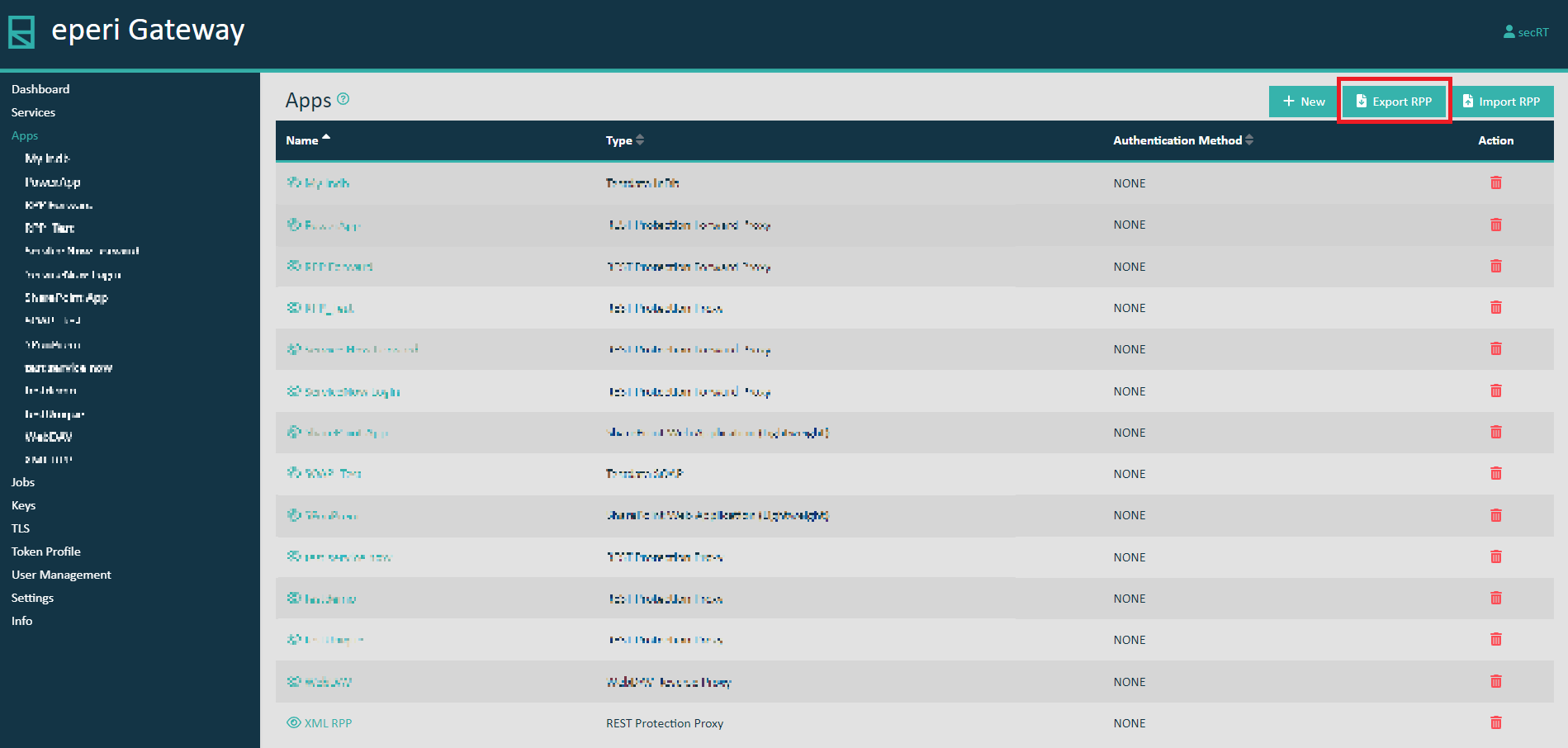
    Export RPP - REST Protection Proxy
  3. In the pop-up select the corresponding Apps which you want to export, then click Assign.
    The chosen Apps with their App configs will be downloaded as JSON File.
  4. In the Apps tab of your target eperi sEcure Platform click Import RPP in the upper right corner:
    Figure 2: Admin Console - Import RPP
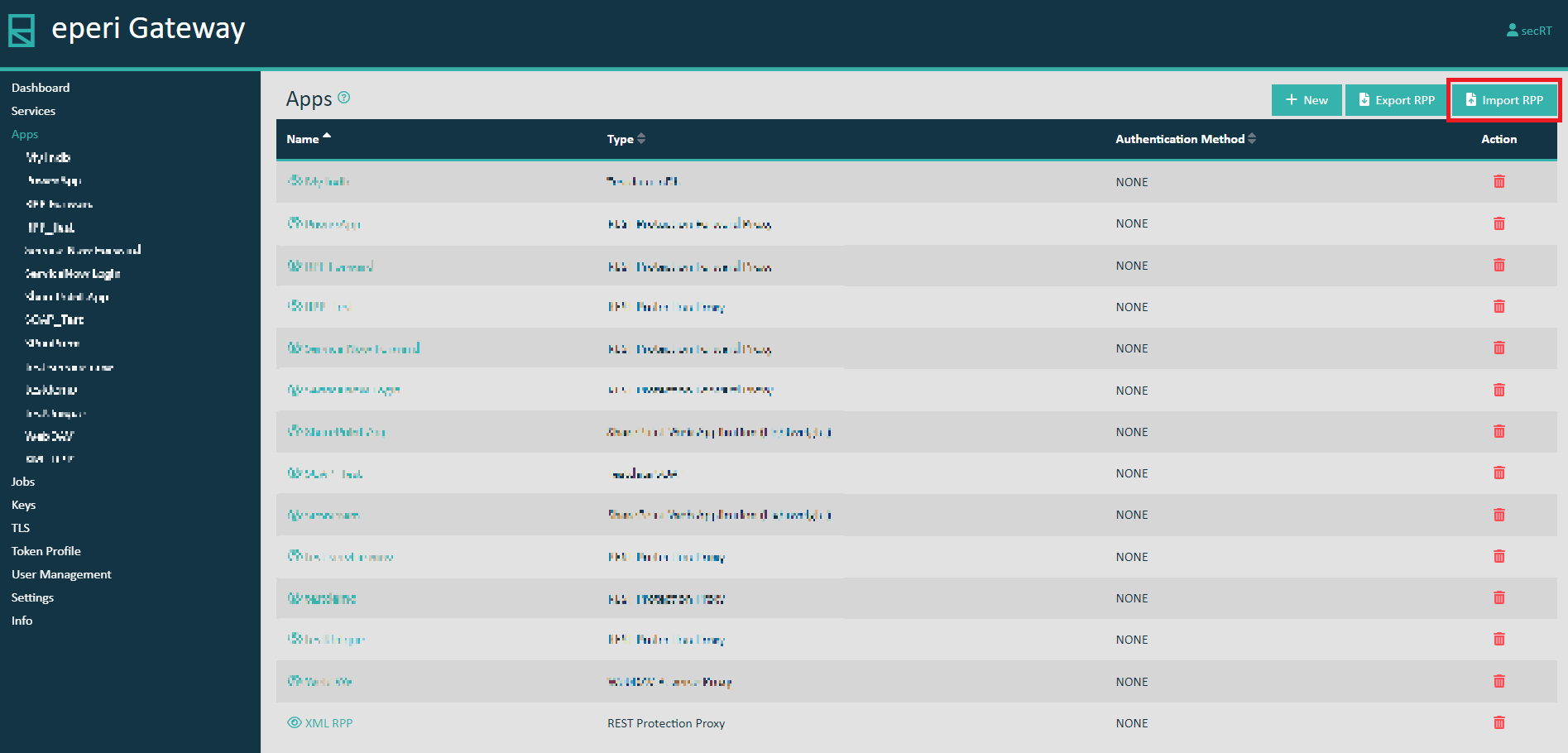
    Import RPP - REST Protection Proxy
  5. In the pop-up menu select the JSON File containing the previously exported apps, then click Submit.
    You have successfully imported the apps and their respective app configs.