Viewing the status of eperi sEcure Platform
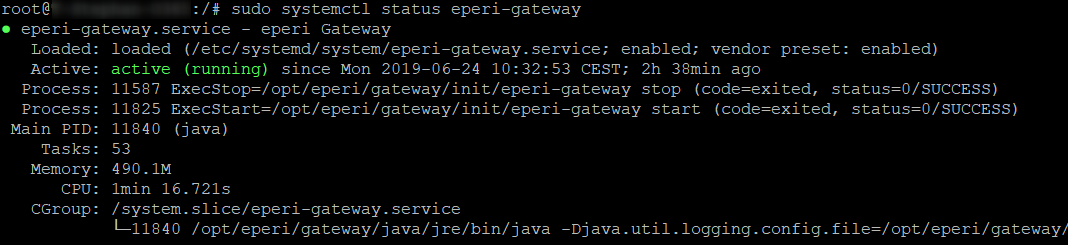
eperi sEcure Platform runs as the service eperi-gateway on your operating system. You can view the actual status of the eperi sEcure Platform service by using the command line.
Before you begin
About this task
Note: The procedure described below is valid for Ubuntu 16.04 and higher. For older
versions, please use the service command.
Procedure
Results