
Resource App
This app configures a web browser for serving local resources.
Dependency
None.
Settings
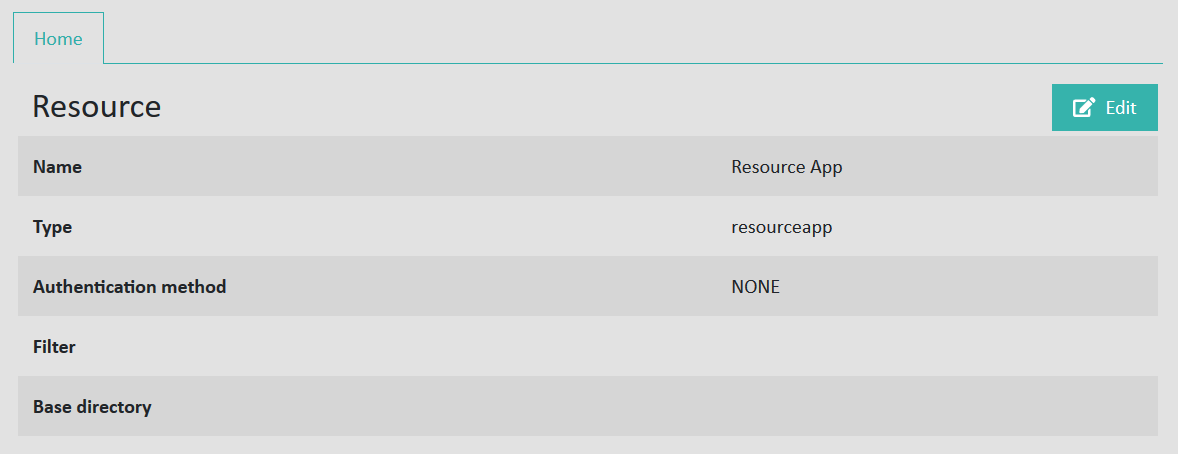
Filter: A URI pattern that defines the files to be served, e.g., /.*log.
Base directory: Filesystem path where the files are stored, e.g., /opt/share/logs.
Example
Sample configuration
| Option | Value / Description |
|---|---|
| Type | Resource |
| Name | Image Server |
| Authentication method | None |
| Hostname | gateway.example.com |
| Filter | /.* |
| Base Directory | /opt/eperi/gateway/images |
| MIME Type Overrides |
If the app is configured using the values above, a user can fetch individual files if they know the names of the resources stored in the Base Directory path. For instance, if there is a file called logo.png, it could be accessed using the URL https://gateway.example.com/logo.png, provided the configured app has been assigned to a reverse proxy running on port 443. See Assign Apps to the proxy for instructions.
Common use case
Providing access to PAC files to ensure that clients connect through the eperi sEcure Platform is a common use case. See Enabling the eperi sEcure Platform to host PAC Files for detailed instructions.