
Standard settings for apps
The majority of apps require little to no configuration, and have only an Authentication Method setting.
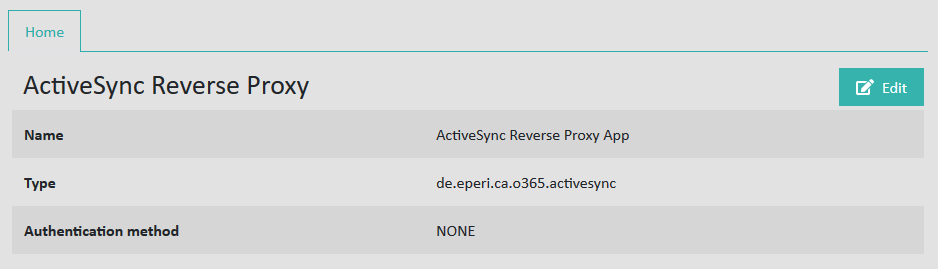
Name: Name of the app as provided when the app was created.
Type: Type of the app.
Authentication Method: Allows you to use additional
authentication, managed by the eperi sEcure Platform. This would normally be in
addition to the SaaS application authentication. The options are as follows:
- None: No additional authentication takes place.
- HTML Authentication with Active Directory Bind: HTTP form-based authentication with credentials in your Active Directory.
- HTML Authentication with Internal User Bind: HTTP form-based authentication with credentials stored within the eperi sEcure Platform. When choosing this option, you would need to setup internal users, see the section Managing (additional) authentication.
- HTTP Authentication with Active Directory Bind: HTTP basic authentication with credentials in your Active Directory.
- HTTP Authentication with Internal User Bind: HTTP basic authentication with credentials stored within the eperi sEcure Platform. When choosing this option, you will need to setup internal users, see the section Managing (additional) authentication.