In the eperi sEcure Platform settings, certain parameters of your Exchange On-Premises
environment need to be configured.
Procedure
-
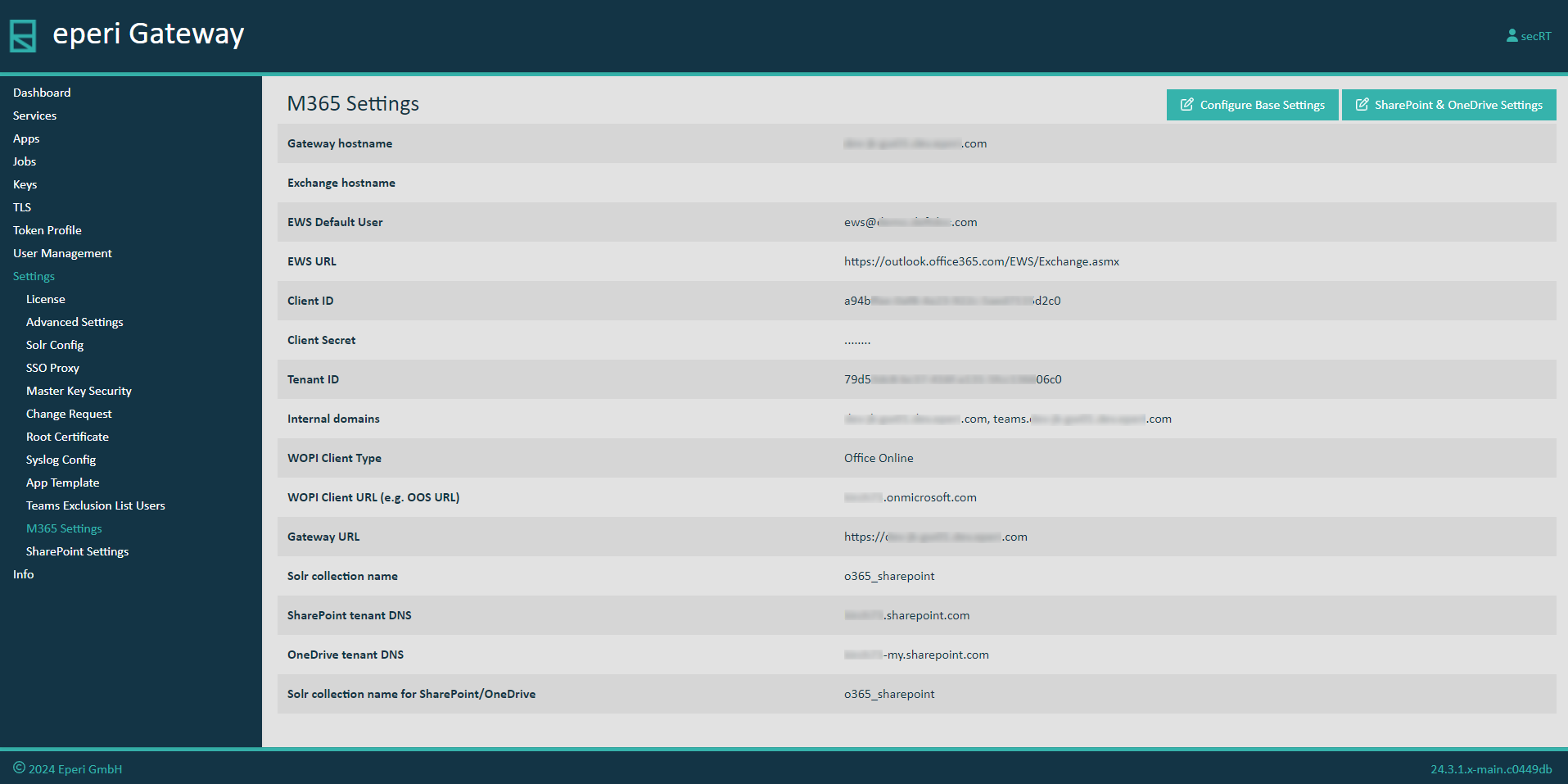
In the eperi sEcure Admin Console, select :
-
Click Configure Base Settings.
-
In the pop-up menu, enter the following parameters based on your environment,
for example:
- Gateway hostname: Your custom Fully Qualified
Domain Name for eperi sEcure Platform (e.g.
demo.eperi-cdp.com)
- Exchange hostname: The Fully Qualified Domain
Name of your Exchange On-Premises host
- EWS Default User: A Microsoft 365 user which eperi sEcure Platform uses to impersonate users for the purpose
of searching and getting user context for eperi sEcure Platform operations. The user
does not need to have a license or special roles.
- EWS URL: The EWS URL of your Exchange
On-Premises
- Client ID: Paste the value which you have copied
from the field Application (client) ID of the eperi sEcure Platform app you registered in the Azure Active
Directory.
- Client Secret: Paste the client secret value
which you have copied from the section Client
secrets of the eperi sEcure Platform app you registered
in the Azure Active Directory.
- Tenant ID: Paste the value which you have copied
from the field Directory (tenant) ID of the eperi sEcure Platform app you registered in the Azure Active
Directory.
- Internal Domains: The mail domain of your
Exchange server
-
Click Submit.
Important: Each time you change the credentials of the eperi sEcure Platform app in the Azure Active Directory (Client Id, Tenant
Id, Client Secret), it is required to adjust the above settings on one eperi sEcure Platform node and to restart the proxy for Microsoft 365 on
all eperi sEcure Platform nodes in your cluster.
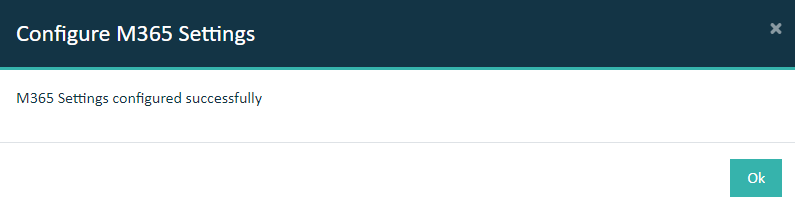
The successful configuration is confirmed with a success message: