
Getting the software

The software that you need for the installation is available at the eperi Customer Portal.

Before you begin

You need an eperi Customer Portal account. Normally, the account is provided to you after the purchase of the software. In case you have no account, please contact your sales representative.

Procedure

  1. Go to https://customer.eperi.de and log in with your username and password.
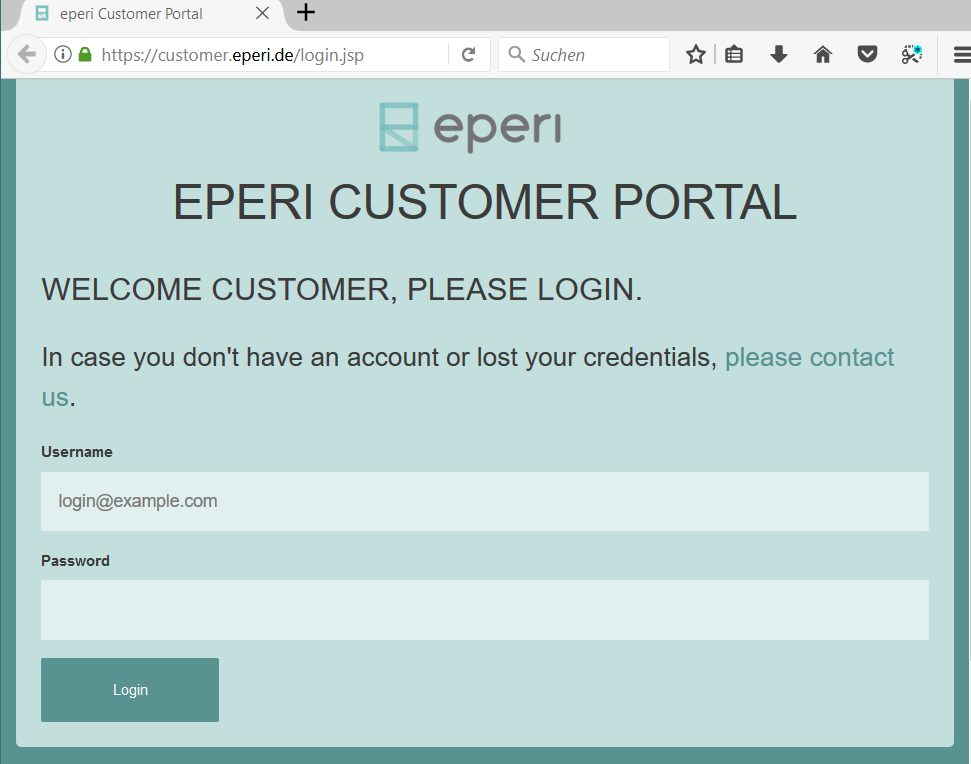
    eperi Customer Portal Login

  2. In the main menu, click DOWNLOADS.
  3. Download the following automated installation packages suitable for your operating system (Ubuntu or RHEL):
    • eperi sEcure M365
    • eperi Milter app