
Getting the software
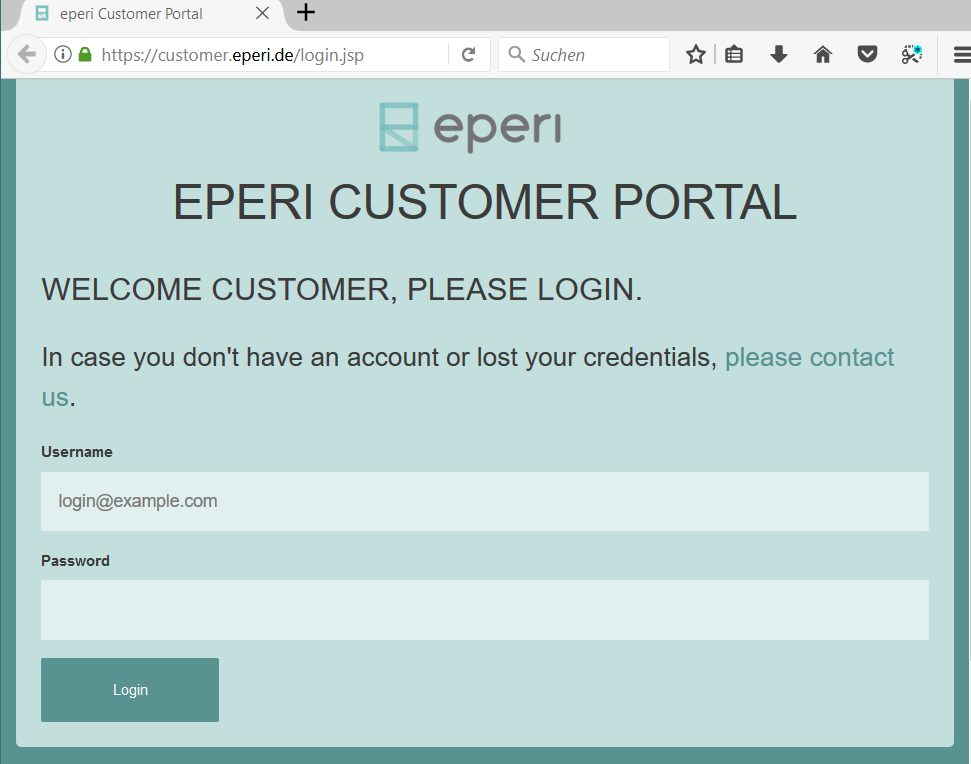
The software you need for the installation is available at the eperi Customer Portal.
Before you begin
Procedure
-
Go to https://customer.eperi.de and log in with your username and password.
The software you need for the installation is available at the eperi Customer Portal.