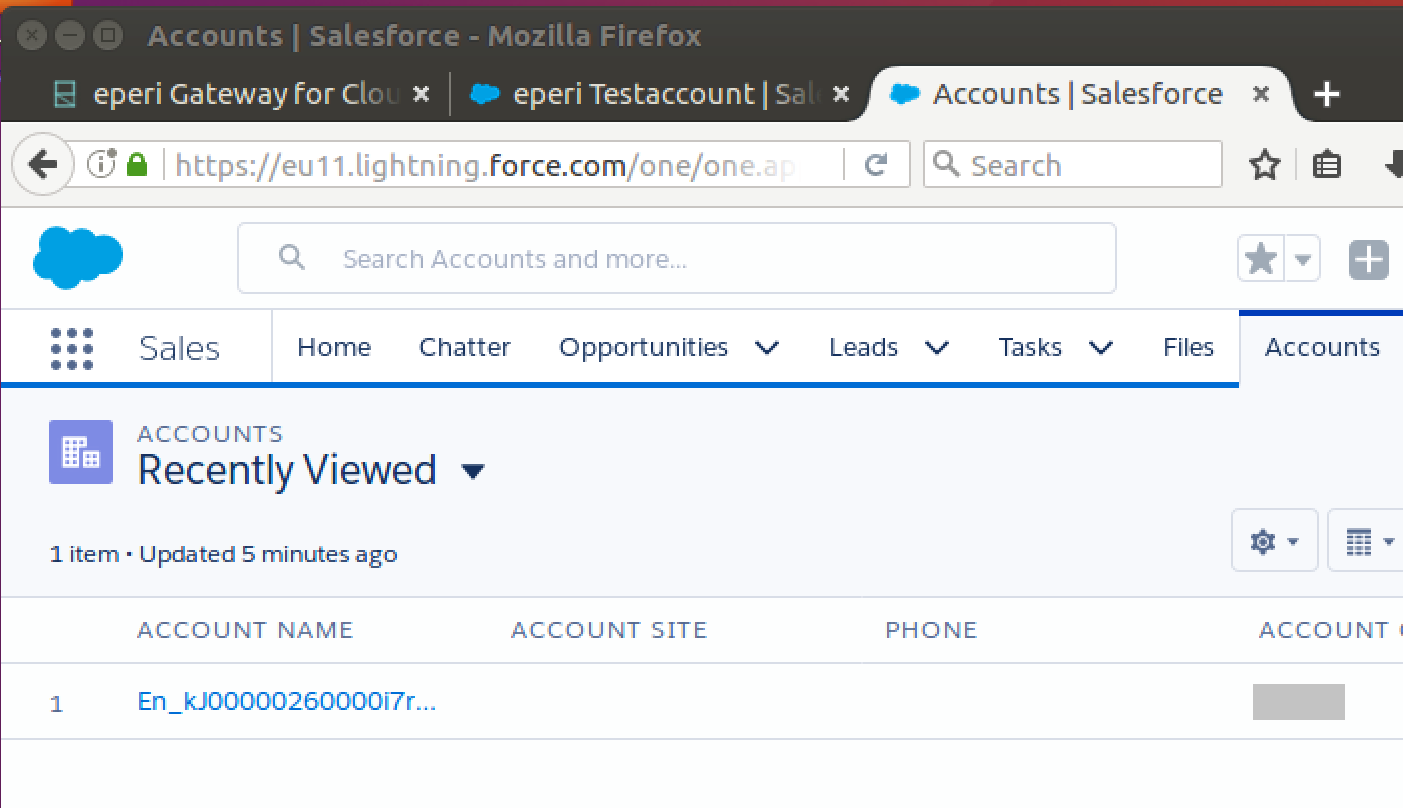
Testing the encryption of an account name
Perform a test of the previously set up data protection policy, see Defining a data protection policy in eperi sEcure Platform.
Procedure
-
Create a new account in Salesforce.
-
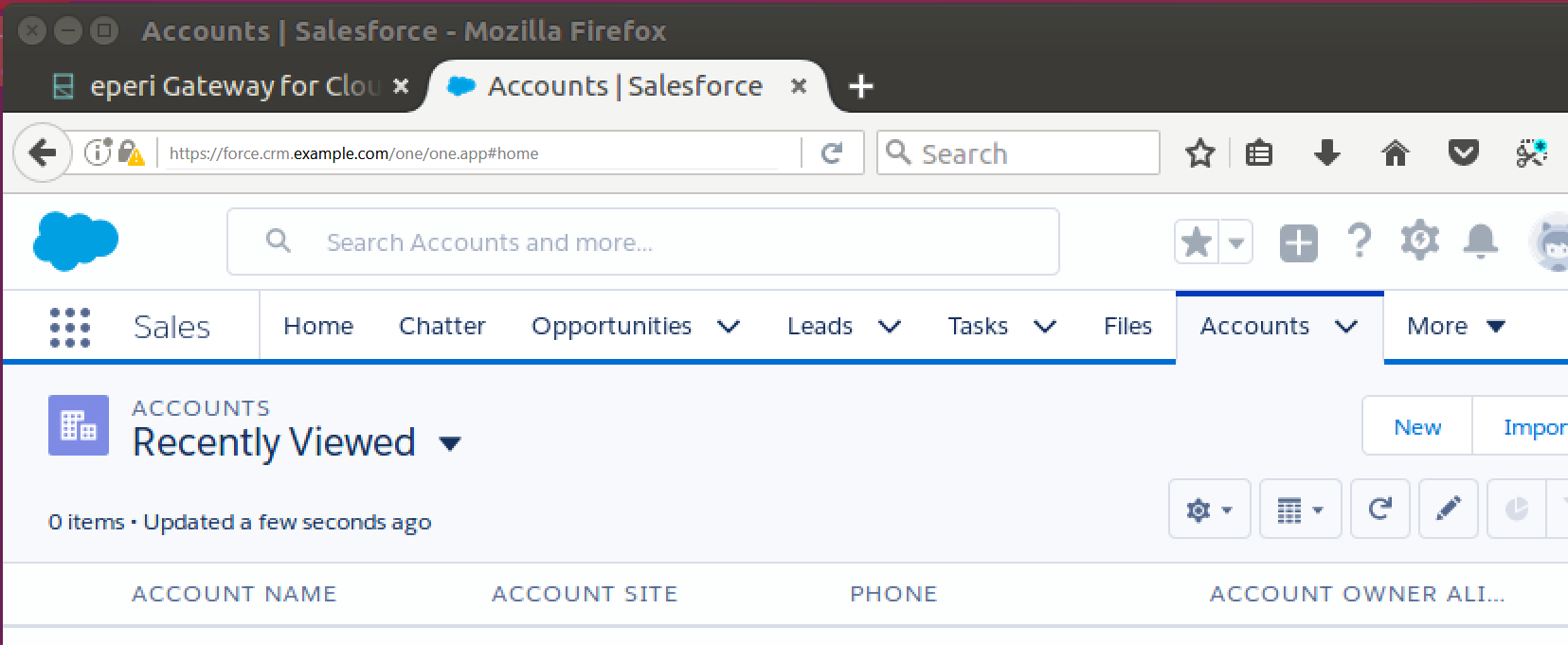
Log into Salesforce via the eperi sEcure Platform, then go to the tab
Accounts and click
New:
-
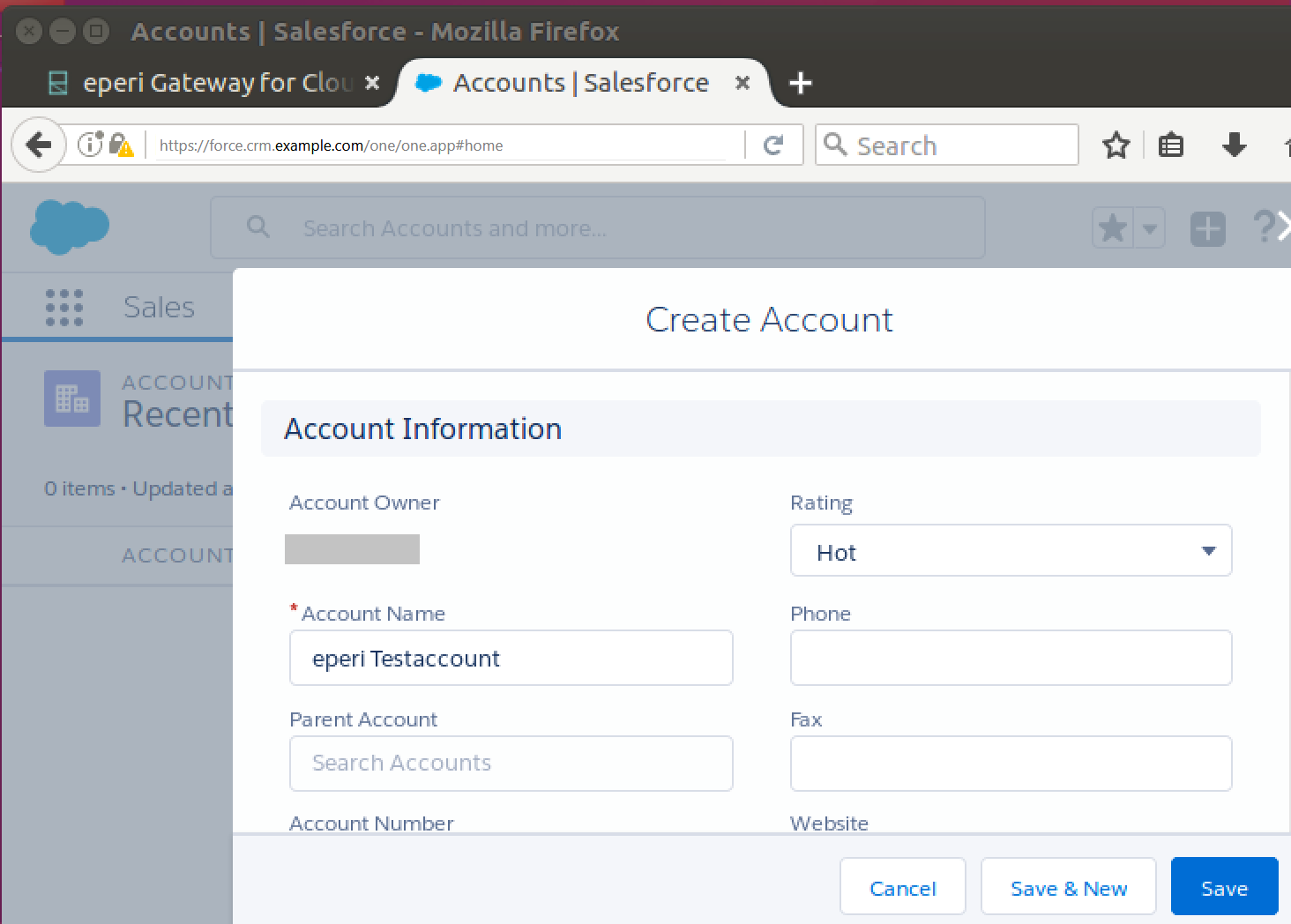
In the menu Create Account, enter an account
name of your choice and safe the dataset.
 You see the newly created account when used through the eperi Gateway: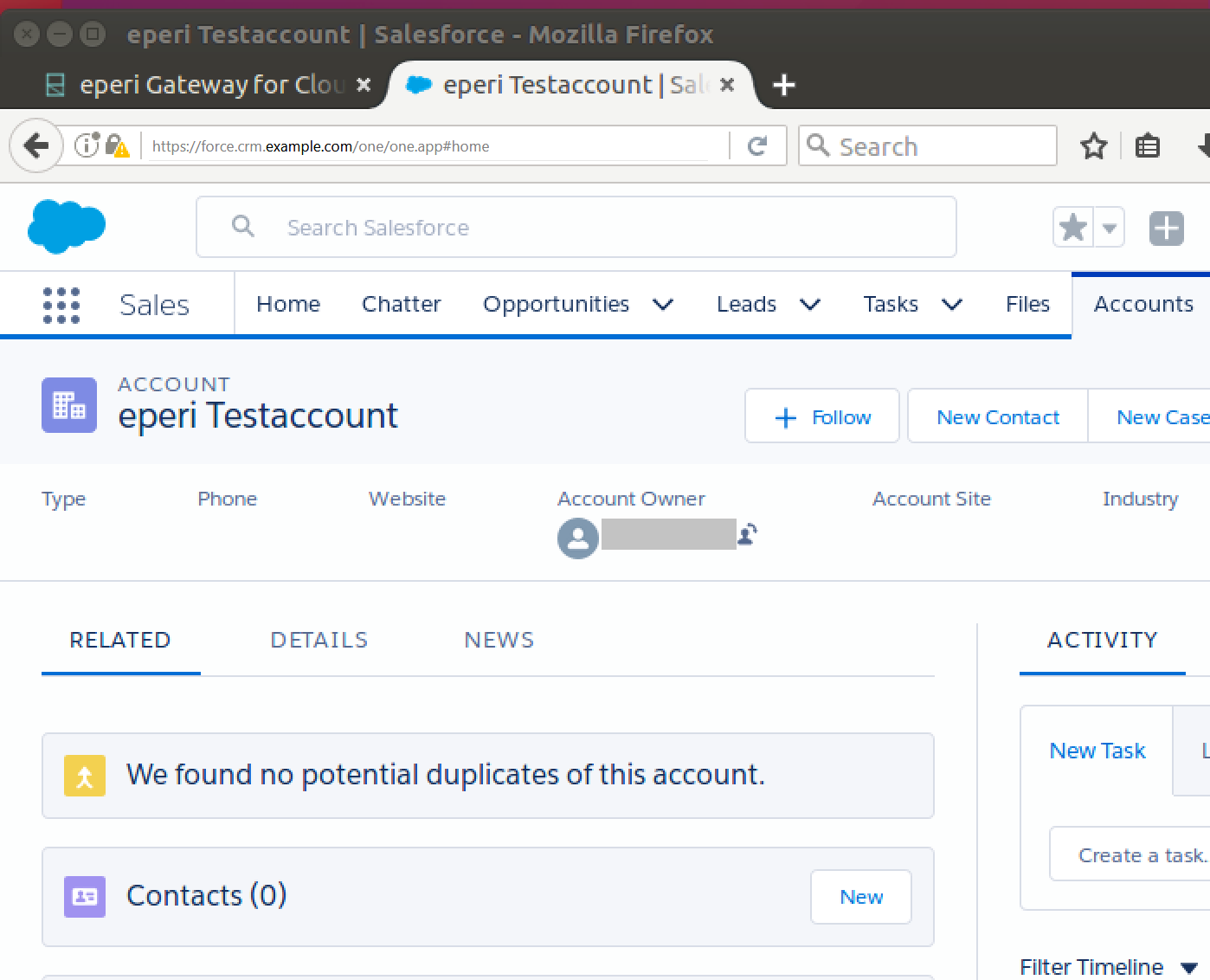
-
Log into Salesforce via the eperi sEcure Platform, then go to the tab
Accounts and click
New:
- Now, bypass the eperi sEcure Platform and log in to Salesforce directly.
- View the recently created account.
Results