Testing the installation and the reverse proxy functionality
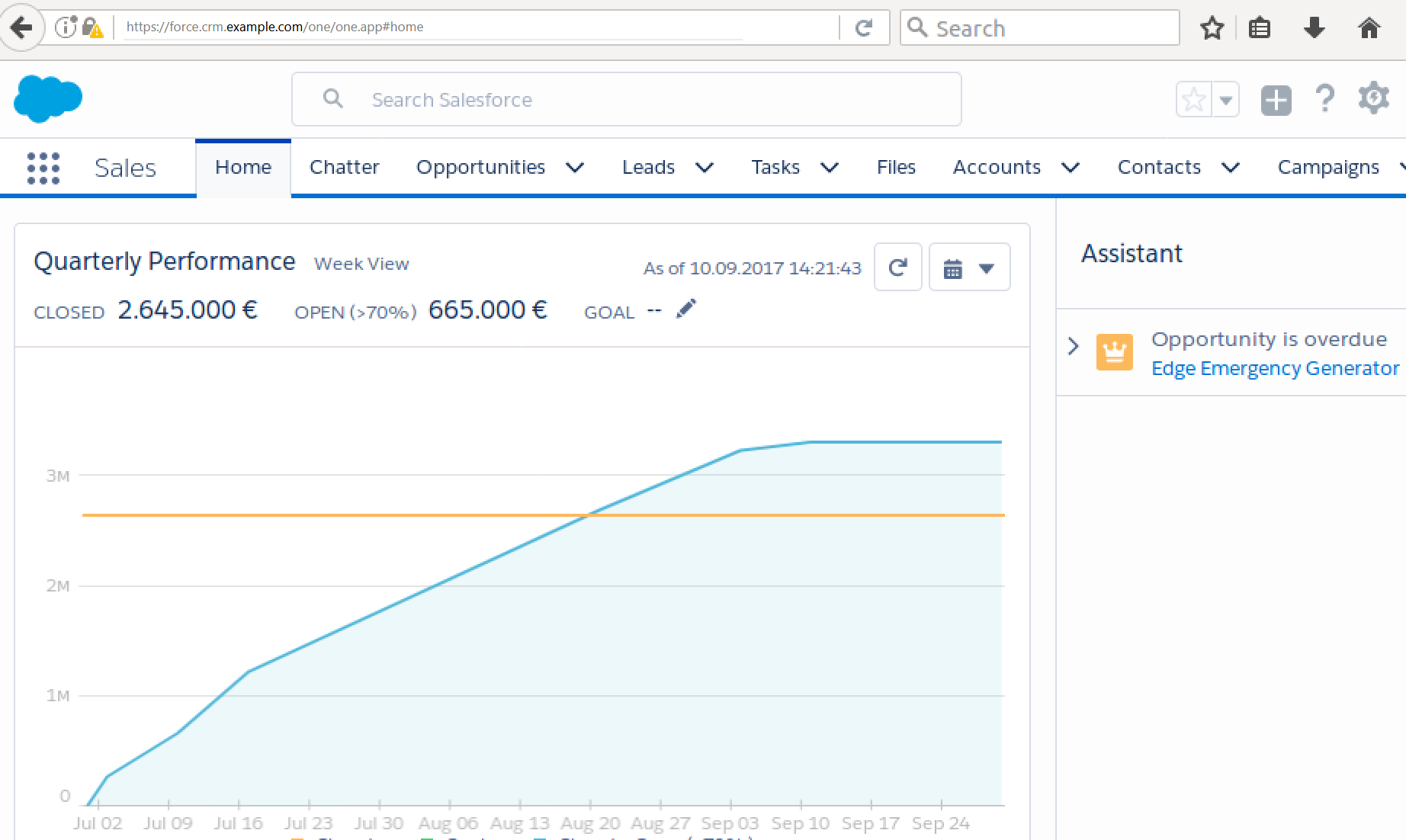
Test the installation by starting the reverse proxy and logging in to Salesforce via the eperi sEcure Platform.
Procedure
-
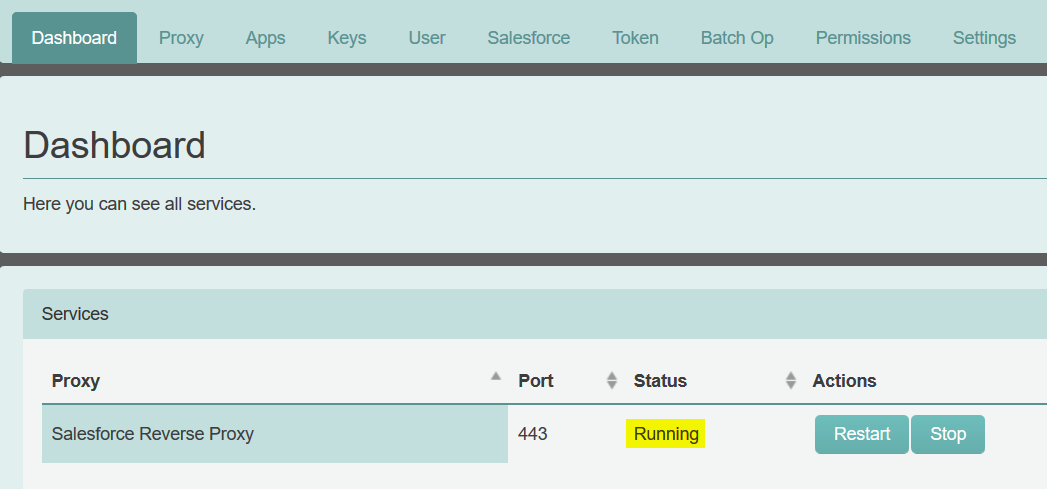
In the eperi sEcure Admin Console select the
Dashboard tab and start the reverse proxy:
After you have started the reverse proxy, the status should be Running, as shown below:
-
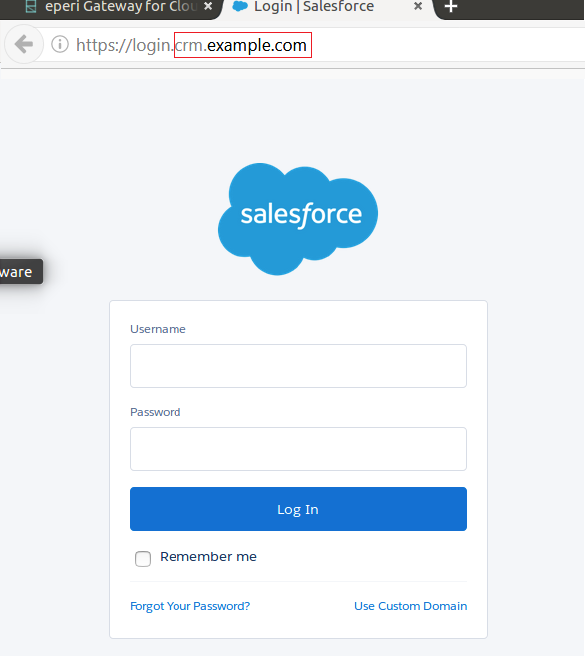
Open a web browser and browse to the following URL:
https://login.YOURGATEWAY
Assuming that the eperi sEcure Platform had the DNS name crm.example.com, the URL would be https://login.crm.example.com.
-
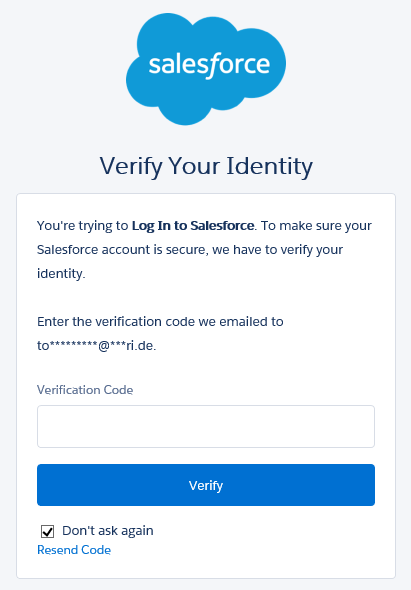
Enter the Verification code which you have received from
Salesforce per email, then click Verify.
-
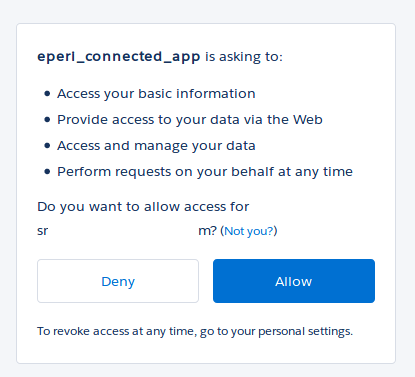
In the pop-up displayed next, click Allow.
 If the login succeeds, you have successfully installed the eperi sEcure Platform with the eperi sEcure Salesforce.