Entering your license and activating eperi sEcure Platform
By entering your license code you activate eperi sEcure Platform.
Before you begin
Procedure
-
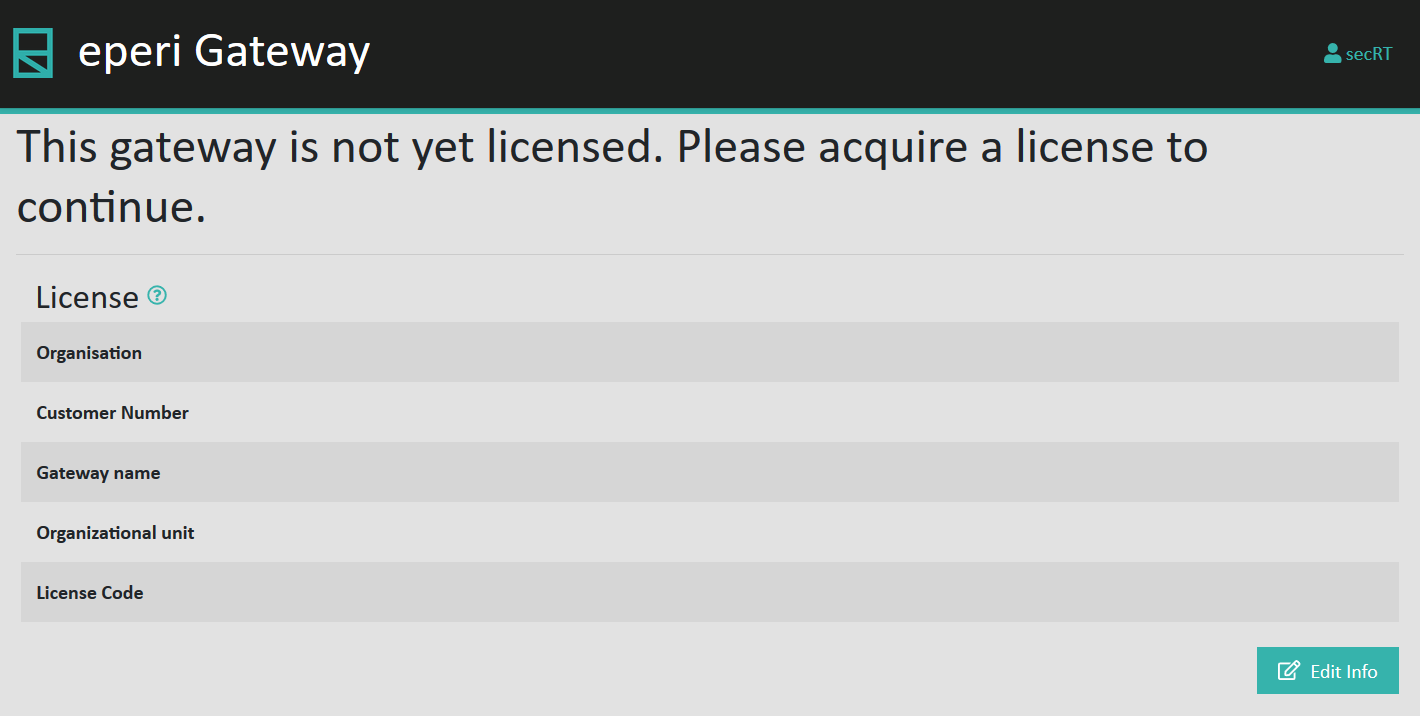
On the License page, click Edit
Info.
-
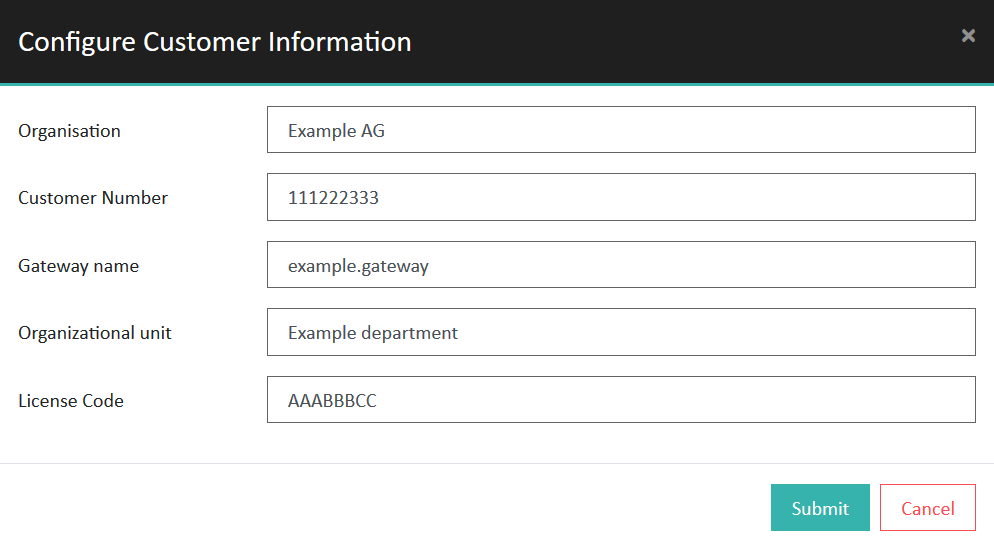
In the Configure Customer Information menu,
provide the required information:
-
License Code: Your license code for
the eperi software, as displayed in the eperi Customer
Portal under .
Example values for the required information:
-
License Code: Your license code for
the eperi software, as displayed in the eperi Customer
Portal under .
-
Click Submit.
After eperi sEcure Platform has successfully contacted the eperi license service, you are requested to acquire your license:
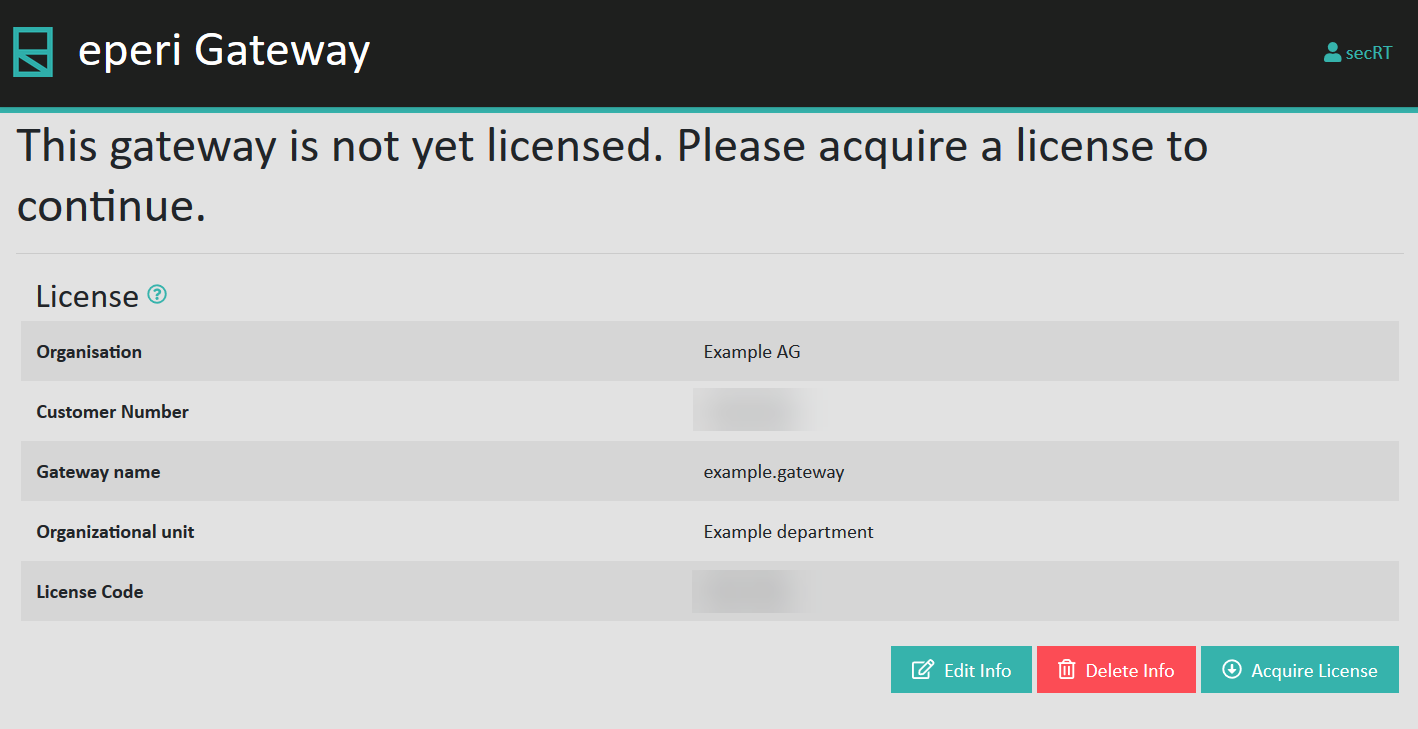 Note: If eperi sEcure Platform could not reach the eperi license service, it is not possible to aquire your license online. Possible causes of this may be that the eperi sEcure Platform server has no internet access or that the destination port 443 is blocked by your firewall. In that case it is possible to activate your license offline and continue as described in section Acquiring your license in offline mode.
 -
Enter in the Max Active Nodes field how many eperi sEcure Platform nodes in your cluster should be
licensed:
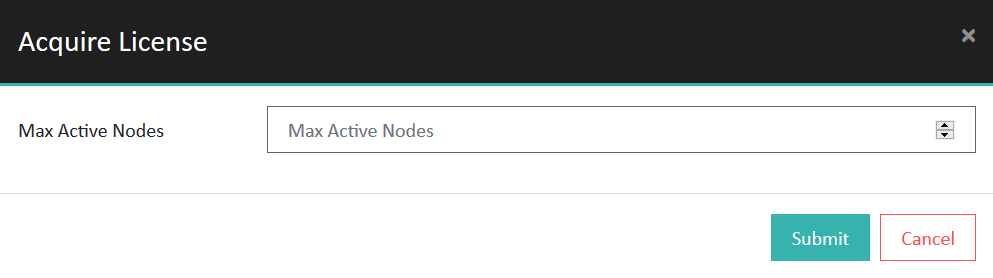 Note: In case of a cluster setup, additional nodes in the cluster that use the same database are now automatically licensed. Please note that only as many nodes are licensed as you specified in the Max Active Nodes field. An additional node only receives a license if an already licensed node is shut down. If you have any questions, please contact our eperi support.
 -
Click Submit.
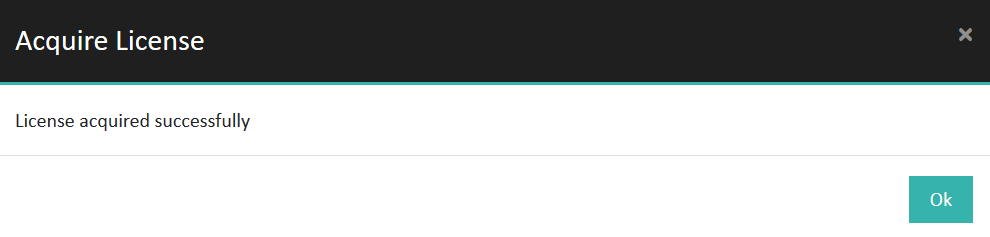
A success message in the License menu indicates that you successfully activated and initialized eperi sEcure Platform.
Results