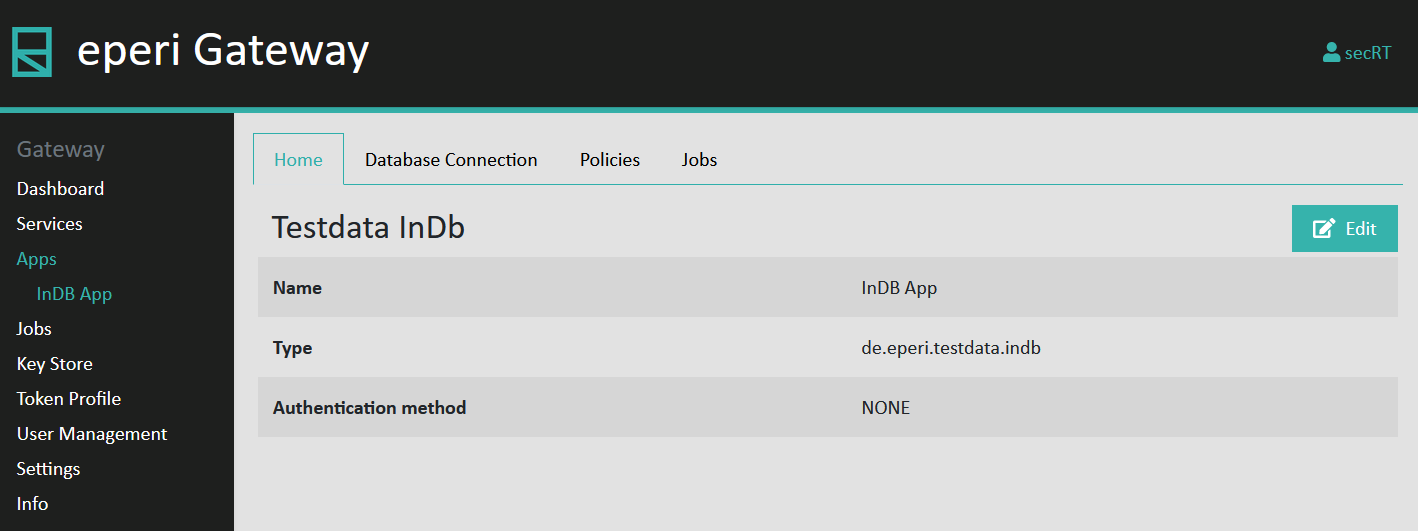
Creating a new app
Create a new app for the Database Anonymizer which is required for the subsequent configuration of database connections, data protection policies and In-Database jobs.
Procedure
- Access the eperi sEcure Admin Console.
- Select the Apps page in the main menu.
- Click + New.
- In the Create App menu, select Testdata InDb as Type and enter a Name, for example InDB App.
- Click Submit.
Results