How to get authorized
Before you can execute an operation of the REST API, you must authorize the administrator account to be used.
Before you begin
- Access to an instance of the eperi sEcure Platform which is up and running.
- Valid credentials of an existing administrator account.
- The administrator account used has the required roles and permissions for the desired operations.
About this task
Note: In the following we use the Swagger UI to illustrate the authorization
process. Swagger UI is a visual documentation of our REST API and allows you to
interact with the API resources. In production operation, you will probably use
a different method to access and use the REST API.
Procedure
-
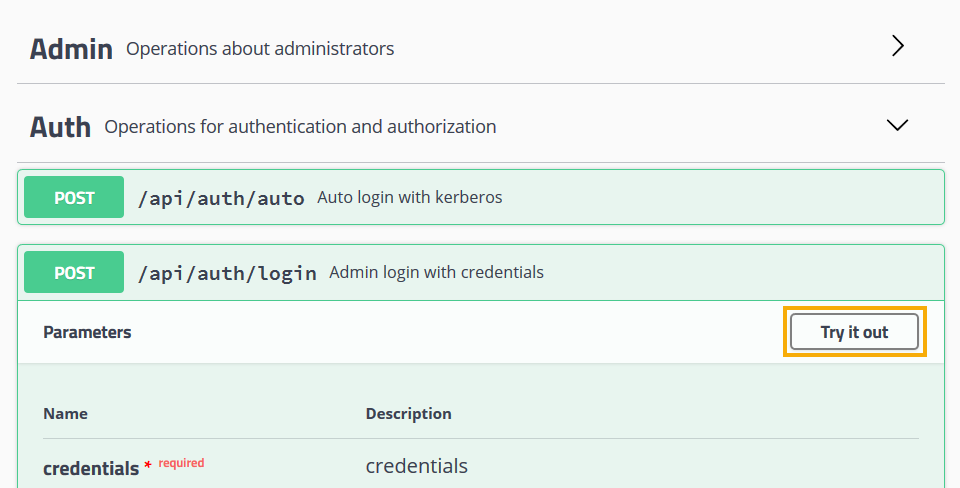
Click Try it out.
-
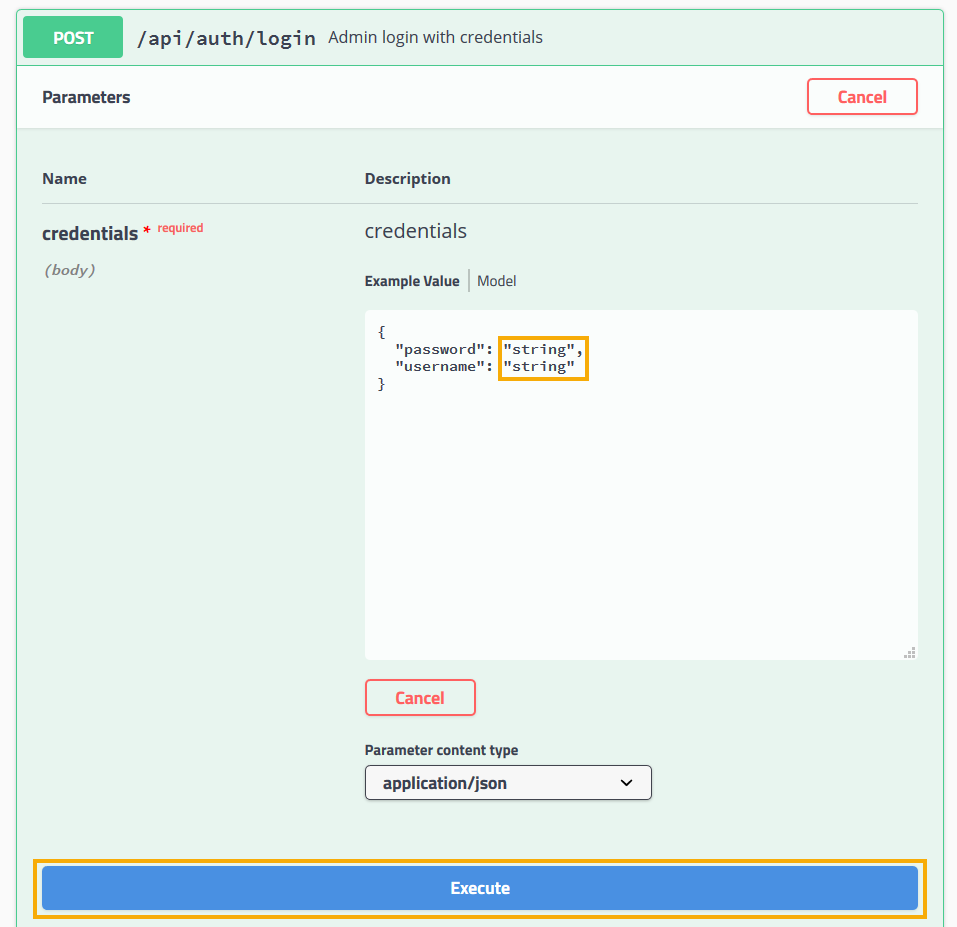
Click Execute.
-
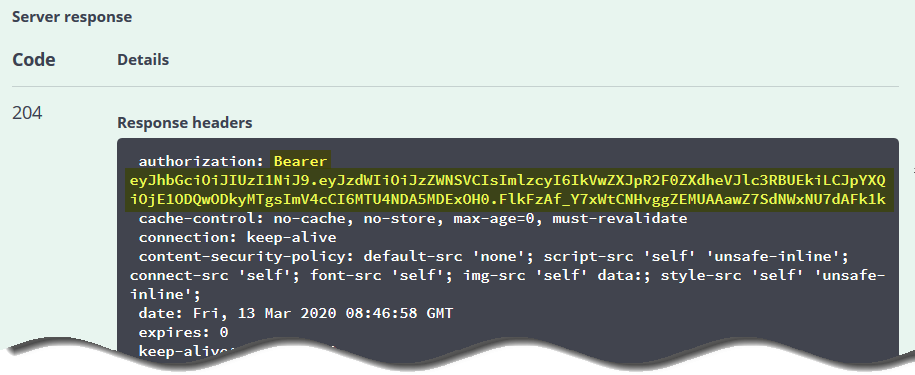
Copy & paste the JWT bearer token from the Response header
authorization to the clipboard.
-
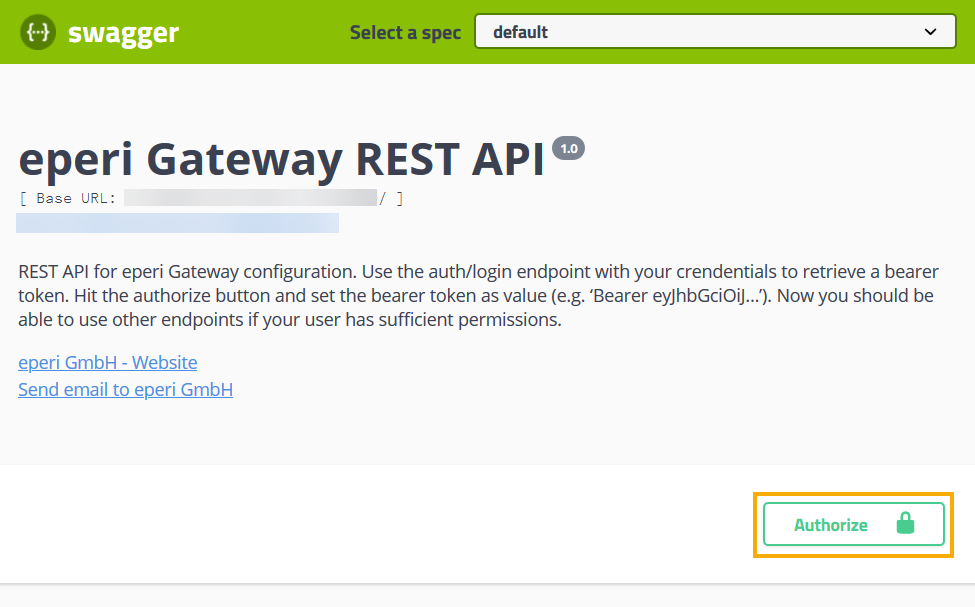
Click the Authorize button on the top right side of the
web page.
-
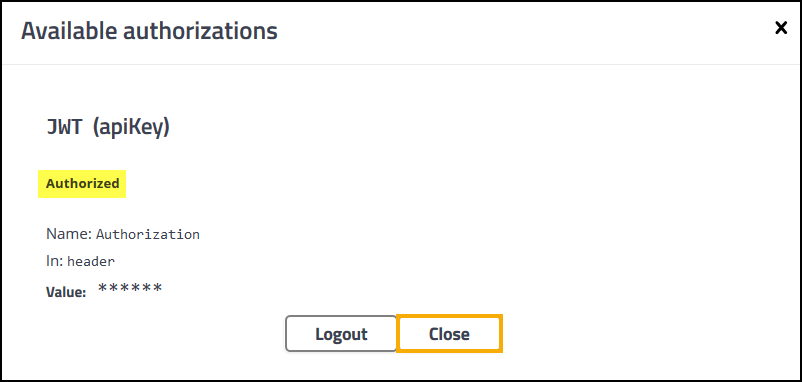
In the Available authorizations pop-up menu, paste the
JWT bearer token into the Value field. Then
click Authorize.
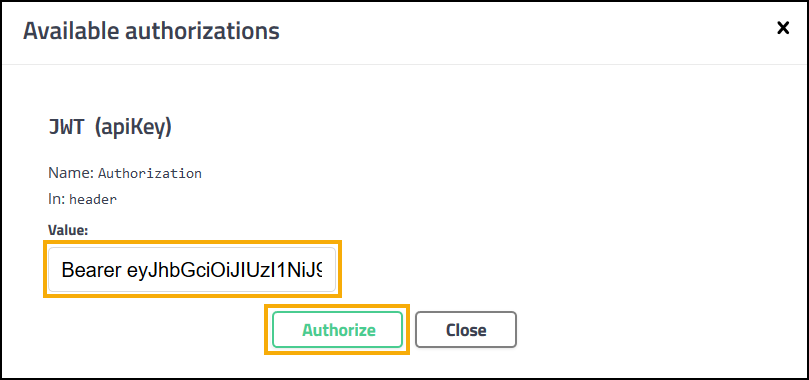
If the authorization was successful, Authorized is displayed.