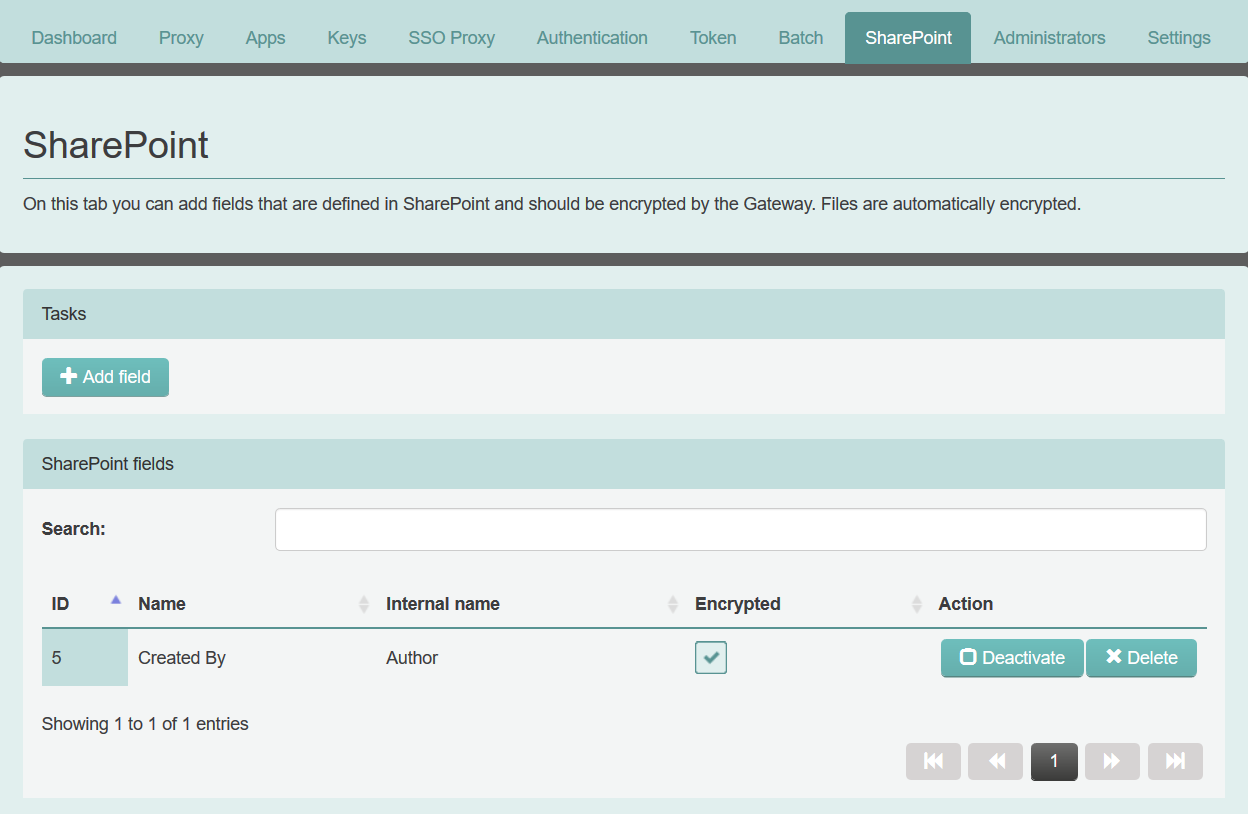
Adding SharePoint fields to be encrypted (optional)
You can optionally configure Sharepoint fields to be encrypted by eperi sEcure Platform.
Procedure
-
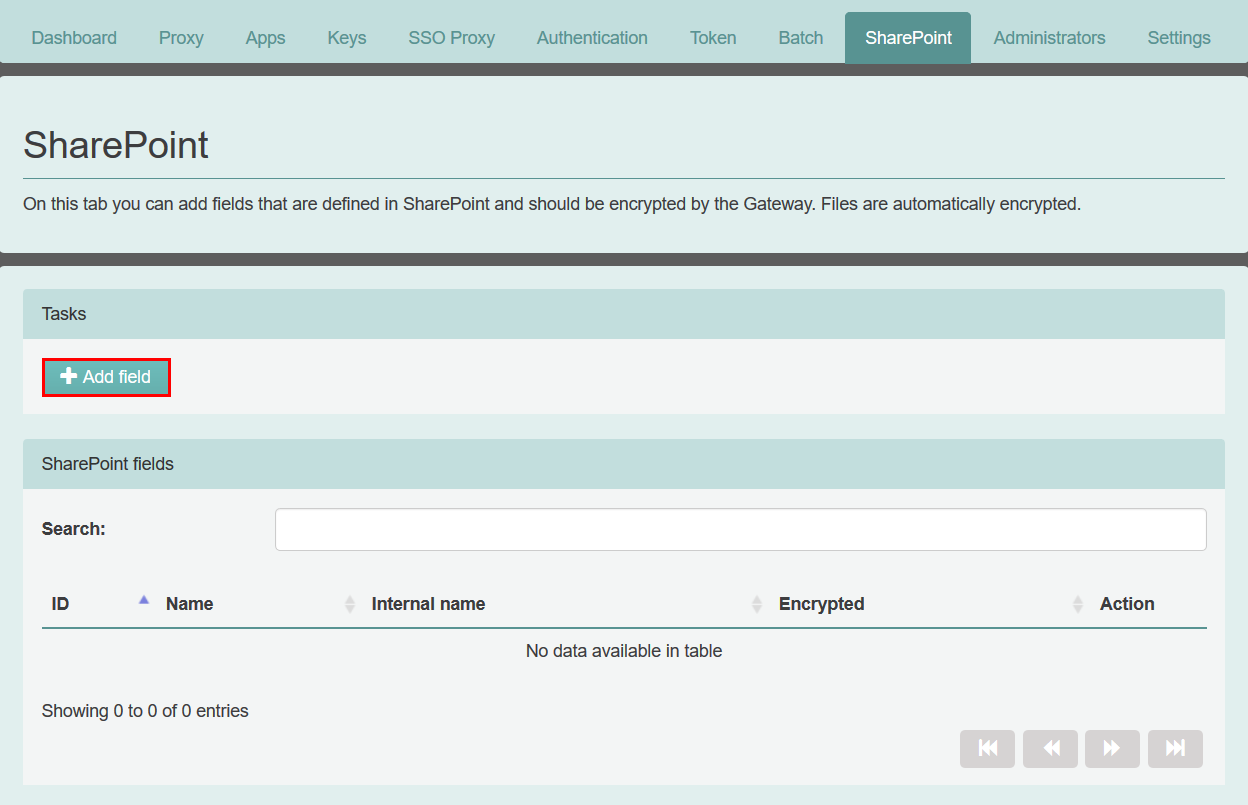
In the eperi sEcure Admin Console, go to the
SharePoint tab and click Add
field:
-
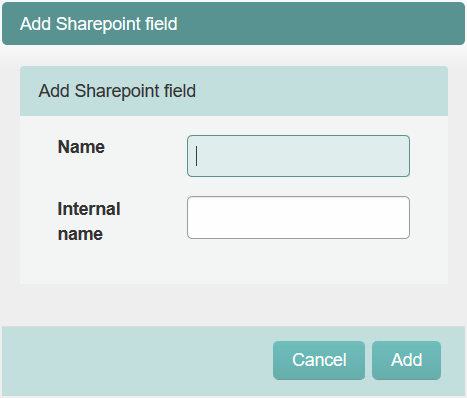
In the pop-up displayed, enter a name of your choice in the field
Name, e.g. Created By and in
the field Internal name the SharePoint internal name,
e.g. Author. Then, click
Add.
Results