Setting up the applications for Microsoft 365
Set up the apps which are required for the eperi sEcure Platform to operate as a forward proxy for Microsoft 365.
About this task
Procedure
-
Add the apps for the required services:
App type Required for service Additional configuration required Microsoft Teams Forward Proxy Teams Yes, see the configuration details of the Microsoft Teams Forward Proxy App Office365 Forward Proxy Email No Office365 OneDrive Forward Proxy OneDrive Online, OneDrive App for Windows Yes, see the configuration details of the Office365 OneDrive Forward Proxy App graph.microsoft.com Forward Proxy Graph API No Office365 SharePoint Forward Proxy SharePoint Online Yes, see the configuration details of the Office365 SharePoint Forward Proxy App Office365 Substrate Forward Proxy - Enables global and site-wide search in SharePoint Online (Local search works without this app.)
- Enables the search in OneDrive Online and in the OneDrive App for Windows
Yes, see the configuration details of the Office365 Substrate Forward Proxy App -
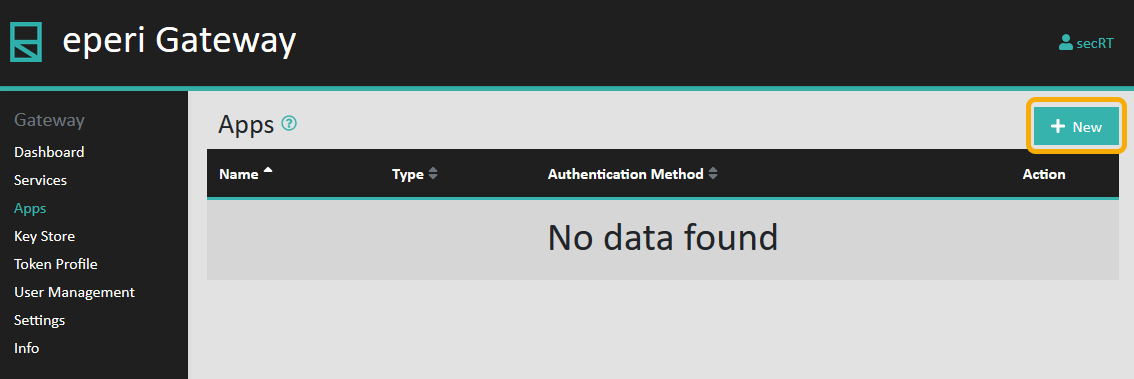
To add an app click + New in the upper right
corner: