
Logging out of the Admin Console
Once you have finished your work, we recommend that you log out of the eperi sEcure Admin Console via the admin user menu.
Procedure
-
To open the admin user menu, click the user icon in the top right corner of the
eperi sEcure Admin Console.
Figure 1: Open the admin user menu 
-
In the admin user menu select the Logout option.
Figure 2: Select Logout option 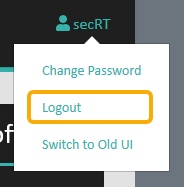
Results
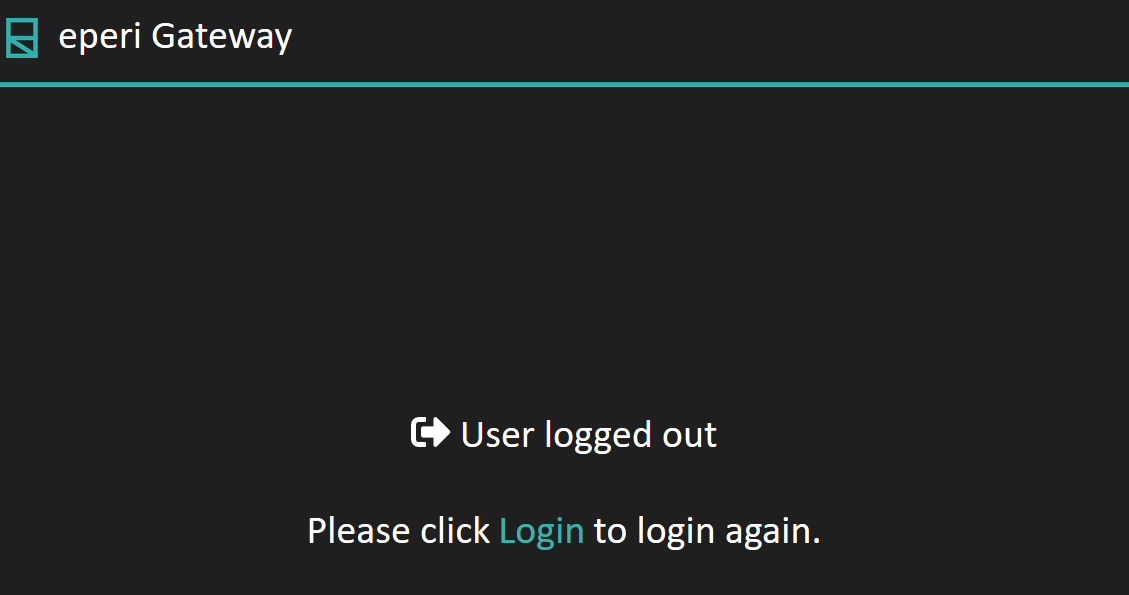
Note: After 15 minutes of inactivity, you will be logged out automatically and the
logout page is also displayed. To log in again, click
Login.