Managing proxies
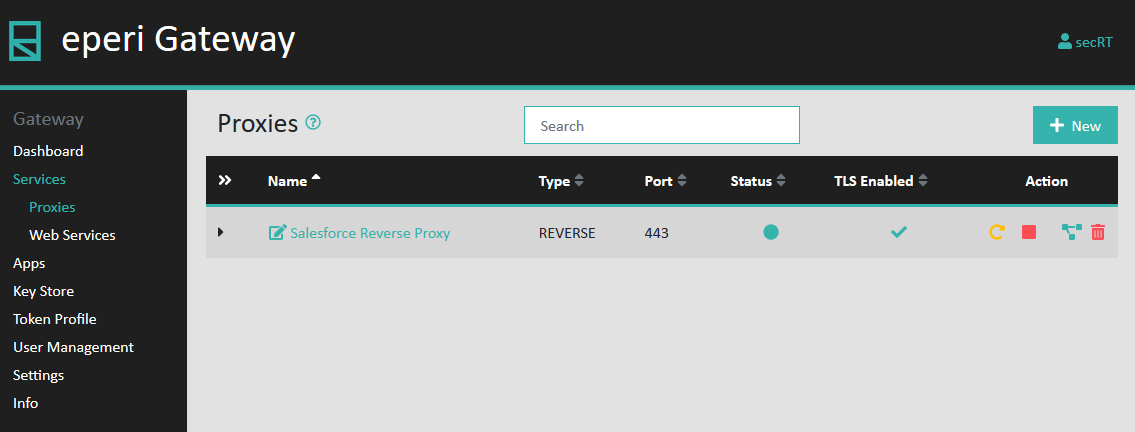
On the Proxies page, you can manage existing proxies and create new ones.
Furthermore, you can edit the settings of a proxy and, for example, add apps to it. Usually, a proxy is set up as part of the installation and configuration process. For details, please refer to the respective installation and configuration guides for your SaaS application, available in the eperi Customer Portal.
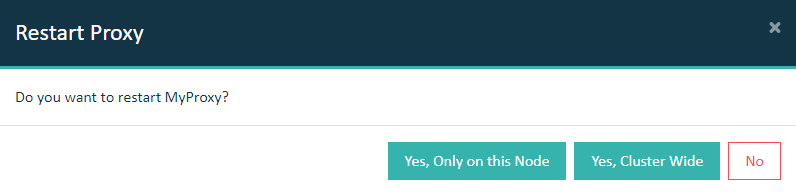
Note: Every change of the proxy configuration requires a restart of the respective
proxy.
Note: Each time a proxy is initiated to restart, a dry run of starting the Proxy is performed before the Proxy is stopped.
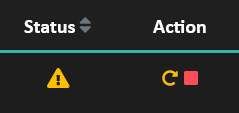
If this dry run fails, an error appears and the restart is not performed to prevent
stopping a running Proxy that could not be started again. The proxies which cannot be (re)started will be displayed with the status icon below:
Important: In a cluster setup, the proxy must be restarted with Cluster Wide option.