How to restore eperi sEcure Platform.
Procedure
-
Restore the eperi sEcure Platform database according to the procedures defined in your
company.
-
If used, restore the Token database according to the procedures defined in your
company.
-
Perform a new installation of eperi sEcure Platform with the automated installation
packages.
-
Perform the steps 1 - 4 as described in section Performing the initial configuration.
-
Log in with an administrator which has the Global Administrator role,
e.g. the default secRT user.
-
Follow the instructions displayed to acquire your eperi sEcure Platform license.
-
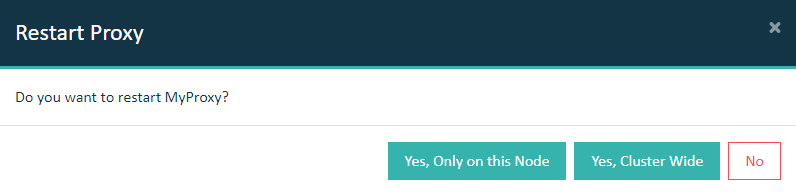
Select the Dashboard page and restart your proxy
service.
Important: In a cluster setup, the proxy must be restarted with
Cluster Wide option.
Results
You have successfully restored eperi sEcure Platform with the
configuration from your backup.
