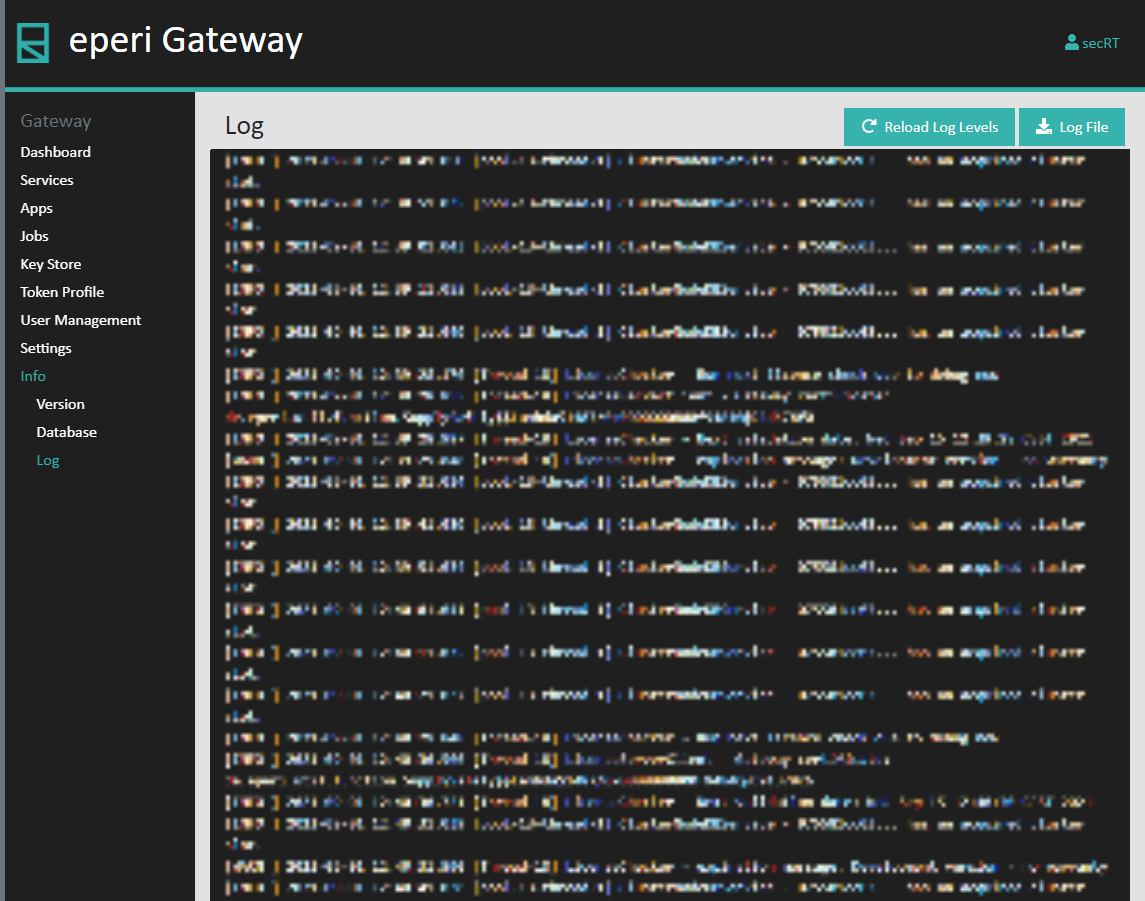
View catalina.out
Select to view the latest 500 lines of catalina.out of your eperi sEcure Platform. Use the Download Log File button on the top right corner to download the complete log file (please note that in case log rotation is configured on your system, only the currently written catalina.out is exported via the browser). With the Reload Log Levels button you can reload the log configuration from log4j2.xml file after adjusting the same as described in the section referenced below.