Unveil API

With this API, you can unveil data that the eperi sEcure Platform has tokenized or encrypted.

Before you begin

Make sure the user authenticating has been assigned the role described in Create a New Role for the REST Protection API in order to acquire the specific permissions that these REST API endpoints require.

About this task

Note: The following example uses the Swagger UI to illustrate how to interactively unveil data. Swagger provides API documentention for each endpoint and allows you to test them interactively. However, in a production environment, you will probably use an automated approach for accessing the REST API.

Procedure

  1. Launch a web browser and enter the URL for the Swagger UI using the following syntax: https://<GatewayHostname>:<GatewayPort>/swagger-ui/index.html#/.
    Example URL: https://crm.example.com:8443/swagger-ui/index.html#/
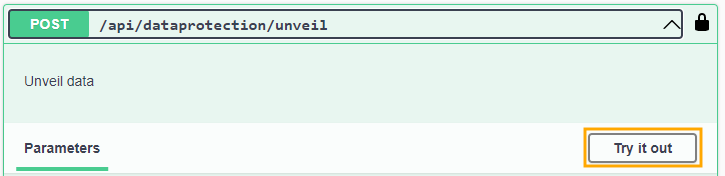
  2. Select the Protect and Unveil Data section and then the /api/dataprotection/unveil operation.
  3. Click Try it out.


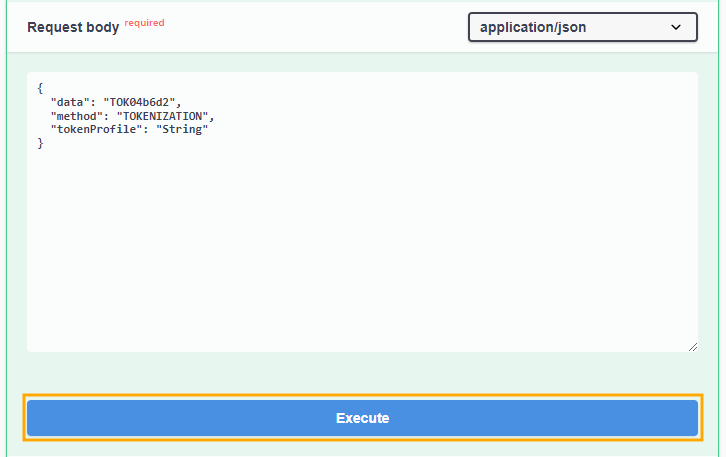
  4. In the Request Body textbox replace the placeholders for the
    • data The protected data to be unveiled.
    • method Protection type,
      • For tokenization: TOKENIZATION or 0.
      • For encryption: ENCRYPTION or 1.
    • tokenProfile If the method is TOKENIZATION, please provide the name of the tokenProfile to be used.
  5. Click Execute.


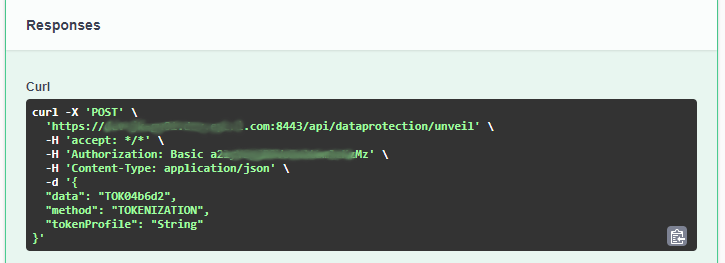
  6. In the Responses section, copy the Curl command that is generated if you would like to perform this operation later on via CLI or within a shell script.

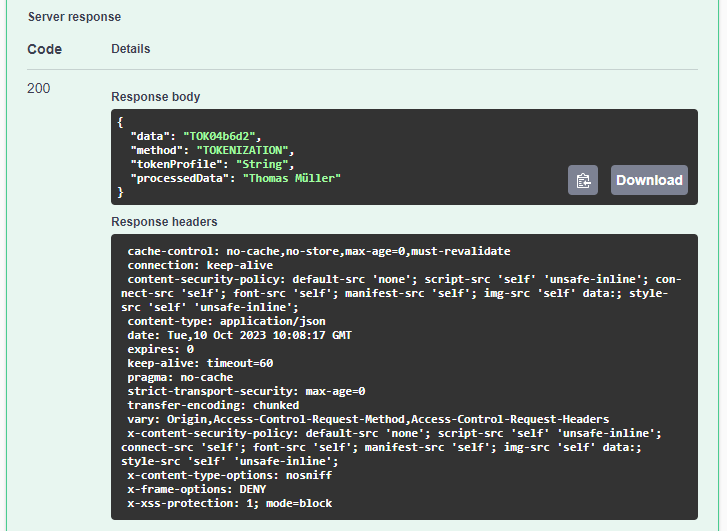
  7. In the Server response section, the Response body JSON object reveals the unveiled data in the processedData field.

Results

You have successfully unveiled the data.