Login to Salesforce Omni-Channel fails
Condition
Within the Omni-Channel Console logging in to the Omni-Channel widget doesn't work any more.
Cause
A possible cause is that the Live Agent Domain name as configured in the eperi sEcure Platform is not valid any more. With the Salesforce Spring '20 Release the Live Agent Domain name has changed (at least for Salesforce sandboxes).
Remedy
Procedure
-
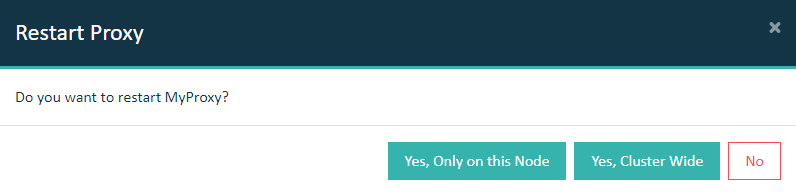
Restart the Salesforce Reverse Proxy.
Important: In a cluster setup, the proxy must be restarted with Cluster Wide option.