
Salesforce Autodiscover Reverse Proxy App
If you intend to use the Salesforce integration "Lightning Sync for Microsoft® Exchange", you will need to create and configure an app for "Salesforce Autodiscover". For the time being, the synchronization of Salesforce contacts only works from Salesforce to Microsoft® Exchange.
Dependency
Settings
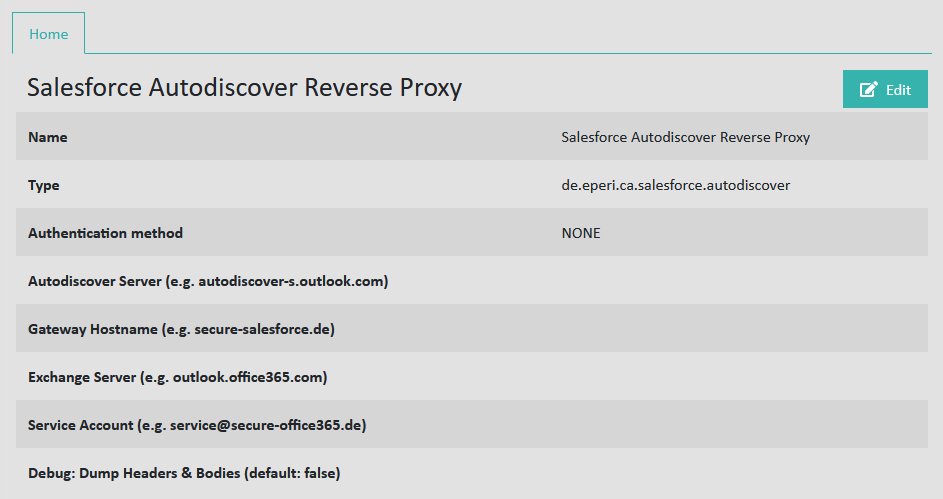
Name: See Standard settings for apps
Type: See Standard settings for apps
Authentication method: See Standard settings for apps
Autodiscover Server: Hostname of your autodiscover service for Microsoft® Exchange or Office 365, e.g. autodiscover-s.outlook.com.
Gateway Hostname: Hostname of your eperi sEcure Platform instance, e. g. secure-salesforce.com.
Exchange Server: Hostname of your Microsoft® Exchange server, e.g. outlook.office365.com.
Debug: Dump Headers & Bodies: Possible values: false (default) or true. If set to true, there is additional logging.