
Add a dictionary token profile

Learn how to create a dictionary token profile that will replace a column/field with your customized list of tokens.

About this task

Important: This task assumes you have already created a single-column CSV file with string values that will be used for the tokenization of your data.

Procedure

  1. Select the Token Profile page in the main menu.
  2. Click + New in the upper right corner.
  3. In the Type dropdown menu, select Dictionary.
    Figure 1: Select Type Dictionary
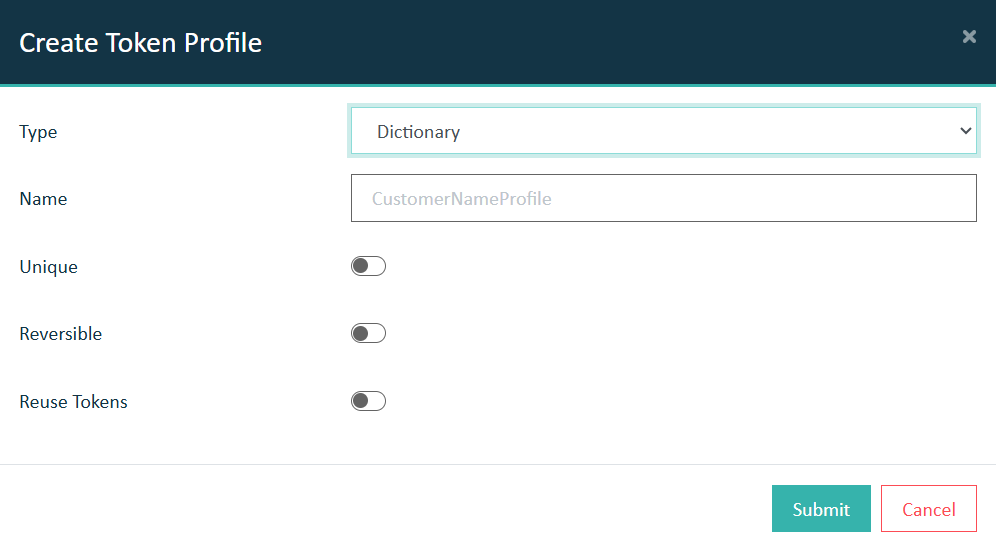
    Select Type Dictionary
  4. Enter a name for this dictionary token profile, choose which options you will need, and click Submit.
    Note: In this example, Reuse Tokens was chosen, since the number of dictionary items is fewer than the number of expected input records.
    Option Description
    Unique Each item from the dictionary can only be used once. Hence, the number of unique input values can never exceed the number of entries in the dictionary list.
    Reversible A one-to-one relationship will exist between the input values and the dictionary list items to which they will be assigned. This is a requirement for successful detokenizaton.
    Reuse Tokens Due to the logic of the Unique and Reversible options, the total number of input values can never exceed the number of items in the dictionary list. This option removes that limitation. Consequently, by selecting the Reuse Tokens option, the Unique and Reversible switches become inactive since they incompatible with this functionality.
  5. Click *Ok* to close the pop-up confirming successful creation of the dictionary token profile.
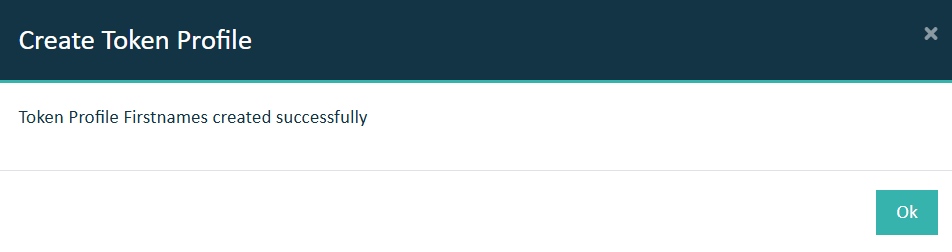
    New token profile
  6. You should now be able to expand the view of the new token profile from the Token Profiles list where you can click the upload icon to add the CSV file containing the dictionary list.
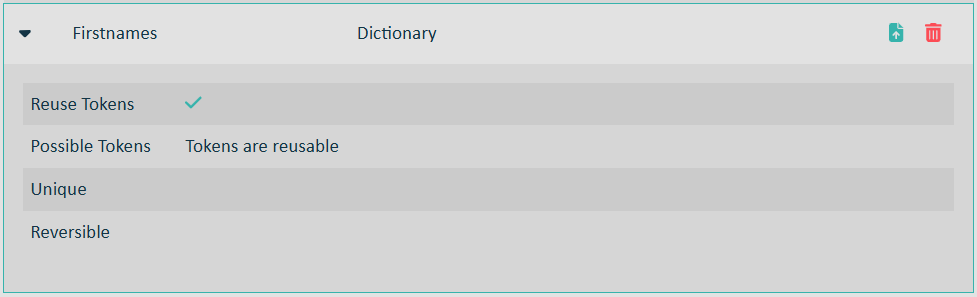
    New token profile
  7. Use the Upload CSV for Dictionary Tokens dialog to add your CSV file.
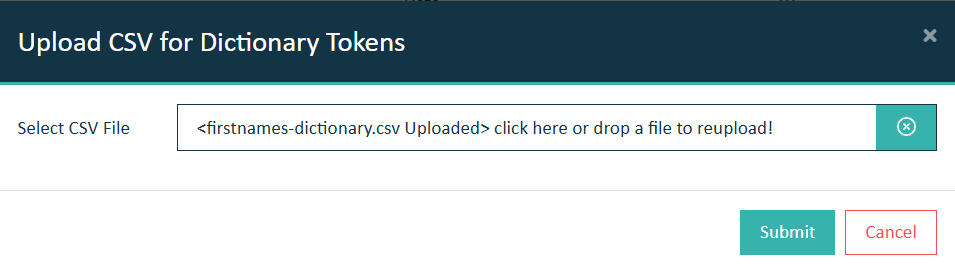
    Upload icon
  8. Upon success, you will be presented a confirmation pop-up.
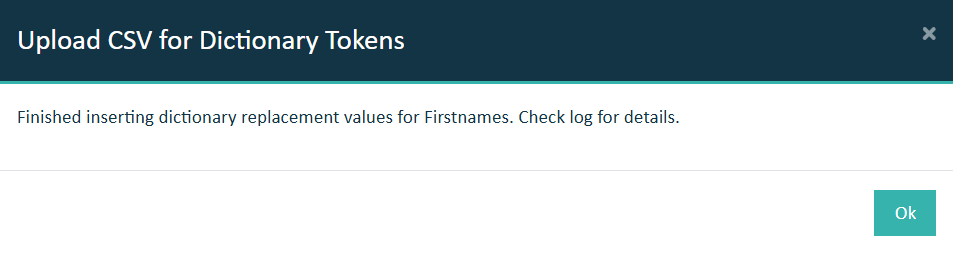
    Success pop-up

Results

You have successfully created and configured a custom dictionary token profile.

What to do next

  • You can test your new token profile using the Data Protection REST API endpoint.
  • You can use it with an In-Database policy if you have deployed eperi sEcure Anonymized Test Data.