
In order to setup the connection between Salesforce and the eperi sEcure Platform, it
is necessary to create a connected app in Salesforce.
Before you begin
The task requires the following:
- The credentials of an Salesforce administrator
- The hostname of your eperi sEcure Platform (a Fully Qualified Domain Name is
required)
Procedure
-
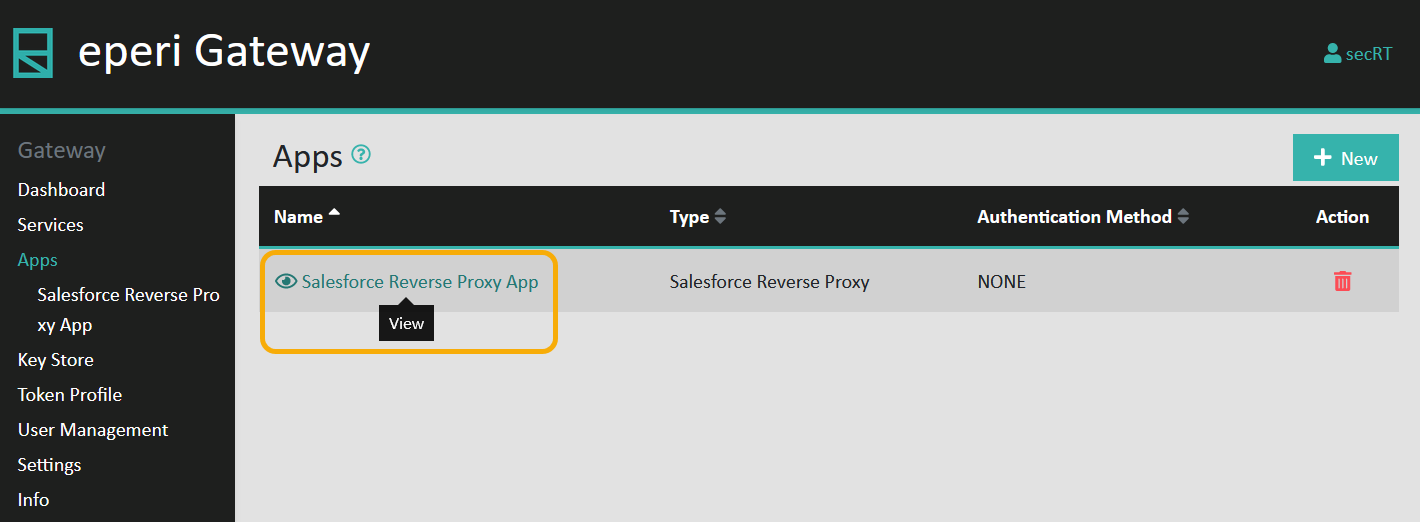
In the eperi sEcure Platform Admin Console, select
Apps in the main menu.
-
View the Salesforce Reverse Proxy App:
-
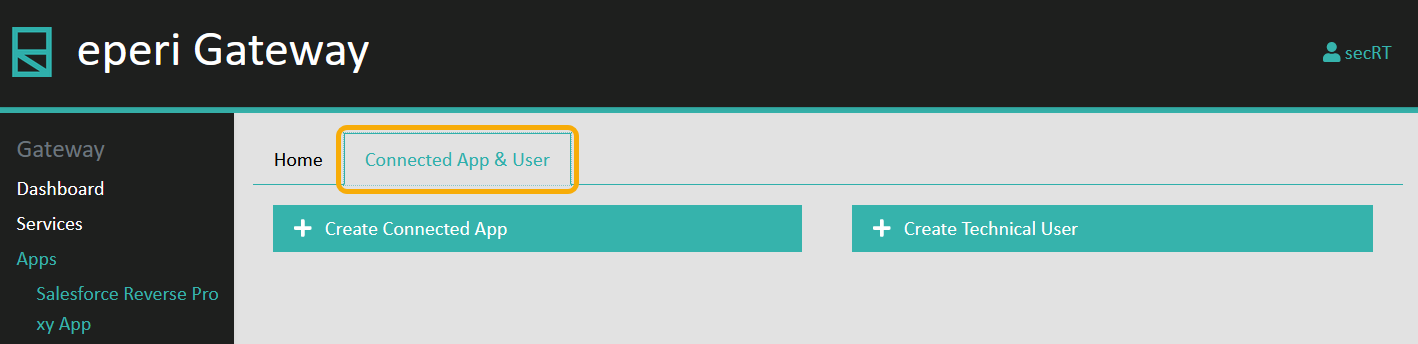
Select the Connected App & User tab:
-
Click Create Connected App.
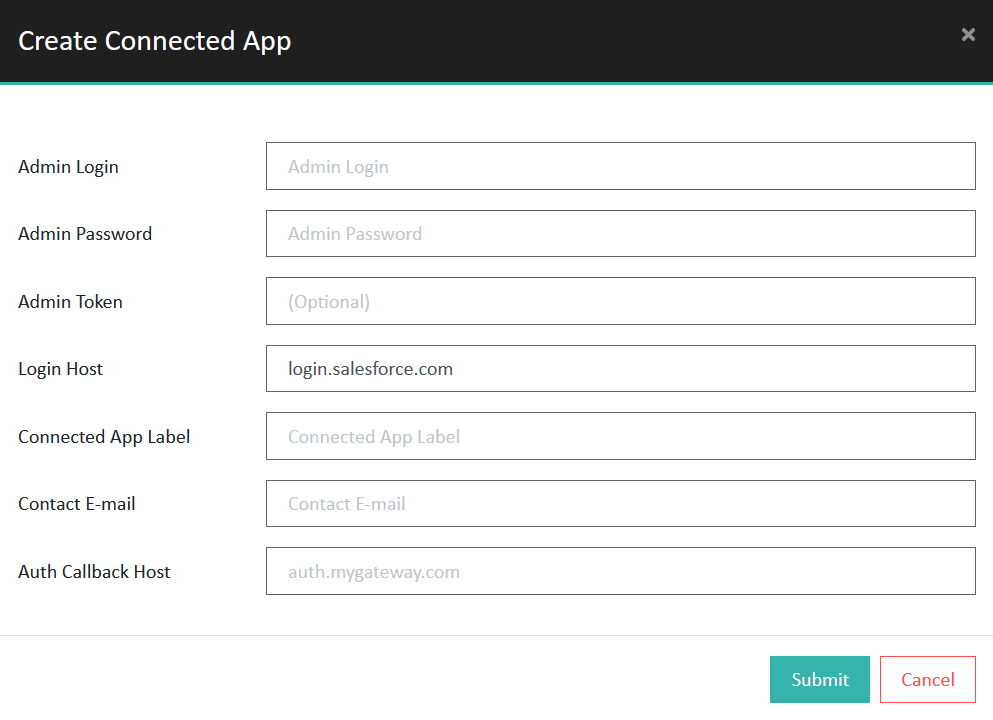
The
Create Connected App menu is displayed, prompting you
to enter the details for the connected app:
-
Provide the required information and then click Submit.
| Option |
Description |
| Admin Login |
Username of an Salesforce administrator |
| Admin Password |
Password of the Salesforce administrator account |
| Admin Token |
(Optional) Security Token of the Salesforce administrator account |
| Login Host |
Salesforce Login hostname, for example
login.salesforce.com |
| Connected App Label |
Name of your choice for the connected app, for example eperi sEcure Platform Connected App |
| Contact E-mail |
Contact email address |
| Auth Callback Host |
Hostname for the Auth Callback. Syntax: auth.<eperi sEcure Platform
hostname>, for example auth.crm.example.com |
The connected app is created in Salesforce.
-
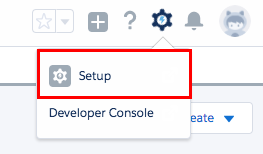
Go to your Salesforce org, log in and click Setup.
-
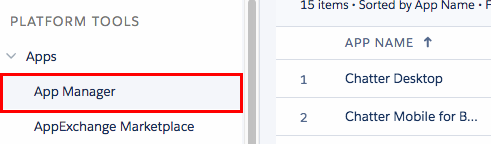
In the left pane of the Setup screen, select .
-
View the details of the connected app.
-
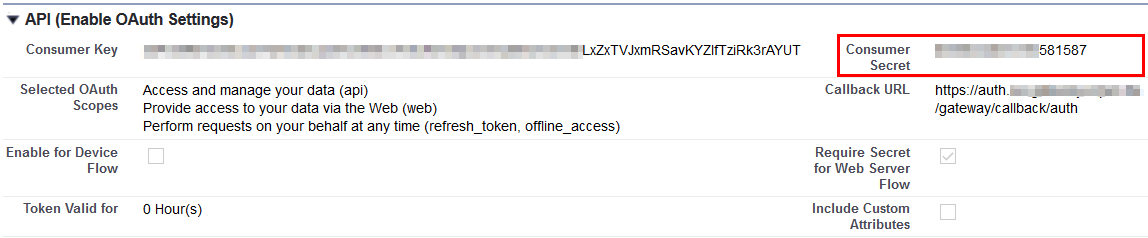
From the API section, copy the Consumer
Key to the clipboard.
-
Switch to the eperi sEcure Platform Admin Console and select the
Home tab of the Salesforce Reverse Proxy
App.
-
Edit the Salesforce Reverse Proxy App.
-
Paste the Consumer Key in the Salesforce Reverse
Proxy App configuration screen into the Salesforce Consumer
Key field:

-
Switch back to Salesforce and besides Consumer Secret, click
Click to reveal.
-
Copy the Consumer Secret to the clipboard.
-
Switch back to the eperi sEcure Platform Admin Console.
-
Paste the Consumer Secret in the Salesforce Reverse
Proxy App configuration screen into the Salesforce Consumer
Secret field:

-
Click Submit to save your settings.
Results
You have now completed both the configuration of the connected app in Salesforce and the
Salesforce Reverse Proxy App in the eperi sEcure Platform.