Creating a technical user in Salesforce

Create a technical user in Salesforce that is used by eperi sEcure Platform to access your Salesforce org.

Before you begin

The task requires the following:
  • The credentials of an Salesforce administrator

Procedure

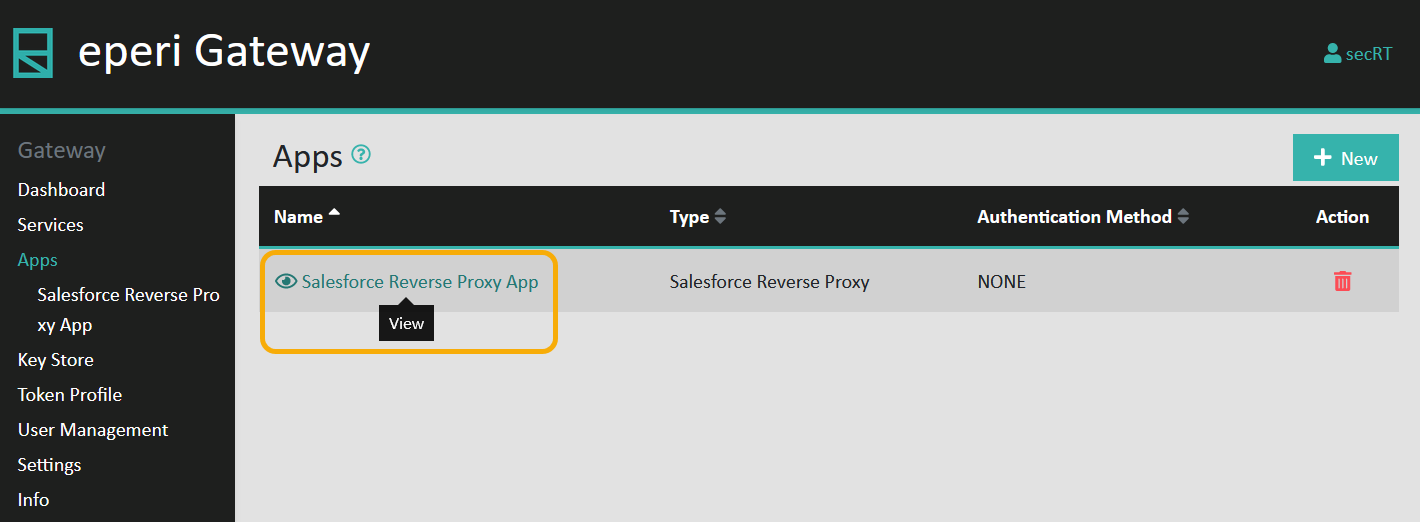
  1. In the eperi sEcure Admin Console, select Apps in the main menu.
  2. View the Salesforce Reverse Proxy App:

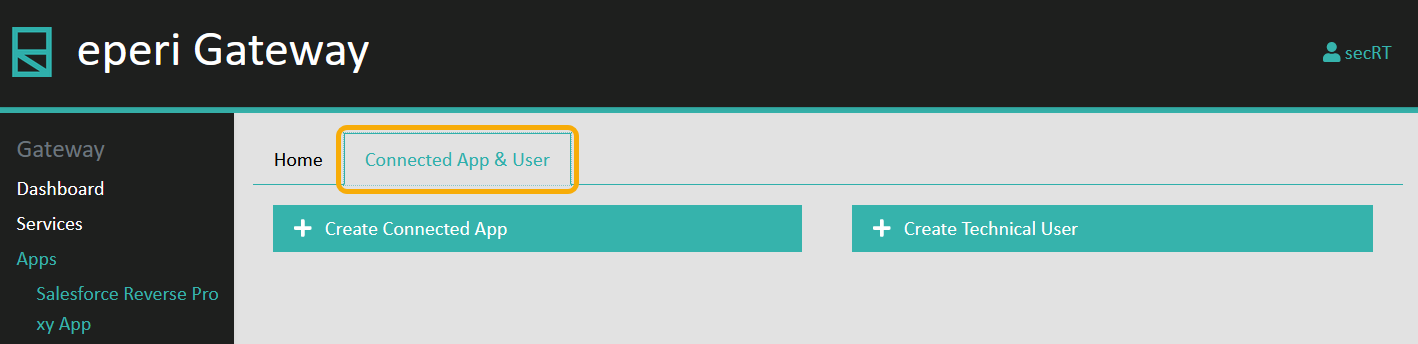
  3. Select the Connected App & User tab:


  4. Click Create Technical User.
    The Create Technical User menu is displayed, prompting you to enter the details for the technical user:
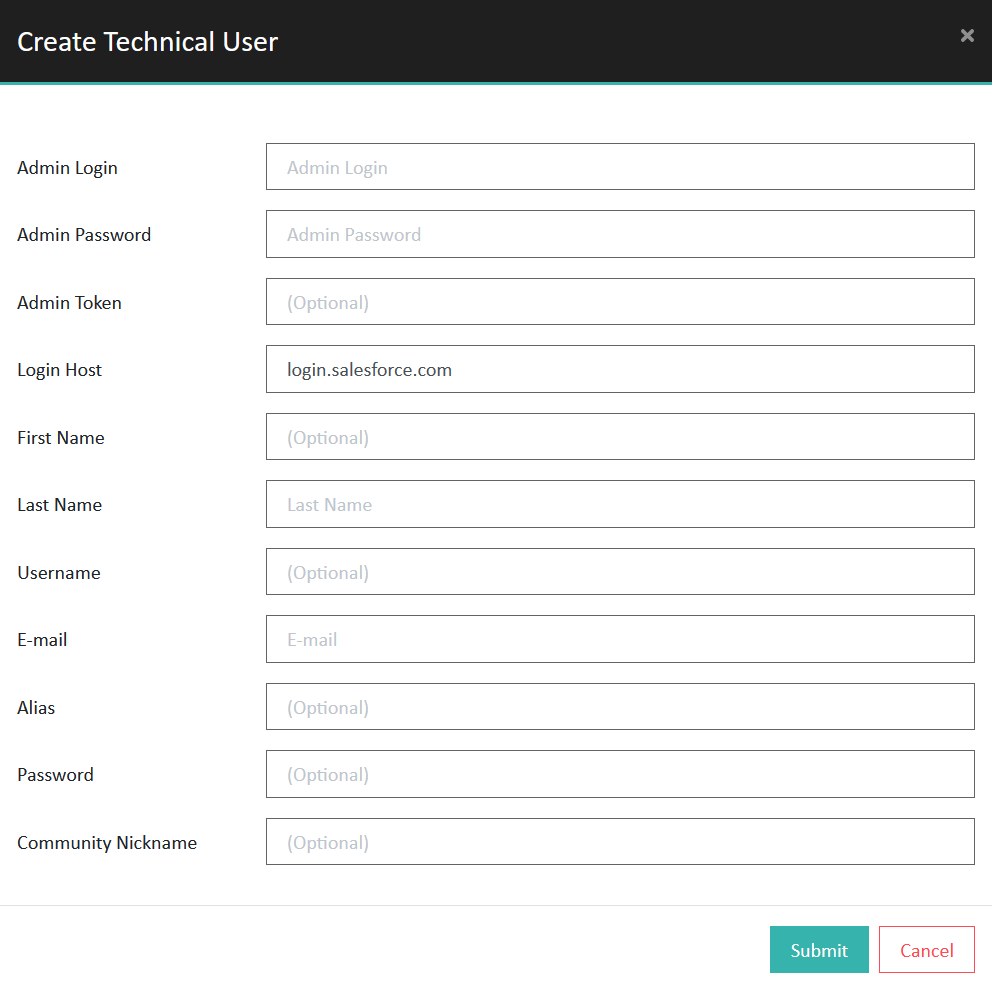
  5. Provide the required information and then click Submit.
    Option Description
    Admin Login Username of an Salesforce administrator
    Admin Password Password of the Salesforce administrator account
    Admin Token (Optional) Security Token of the Salesforce administrator account
    Login Host Salesforce Login hostname, for example login.salesforce.com
    First Name (Optional) First name of the Salesforce technical user
    Last Name Last name of the Salesforce technical user
    Username (Optional) Username of the Salesforce technical user
    E-mail Email address of the Salesforce technical user
    Alias (Optional) Alias of the Salesforce technical user
    Password (Optional) Password of the Salesforce technical user
    Community Nickname (Optional) Community Nickname of the Salesforce technical user

Results

The technical user is created in Salesforce.