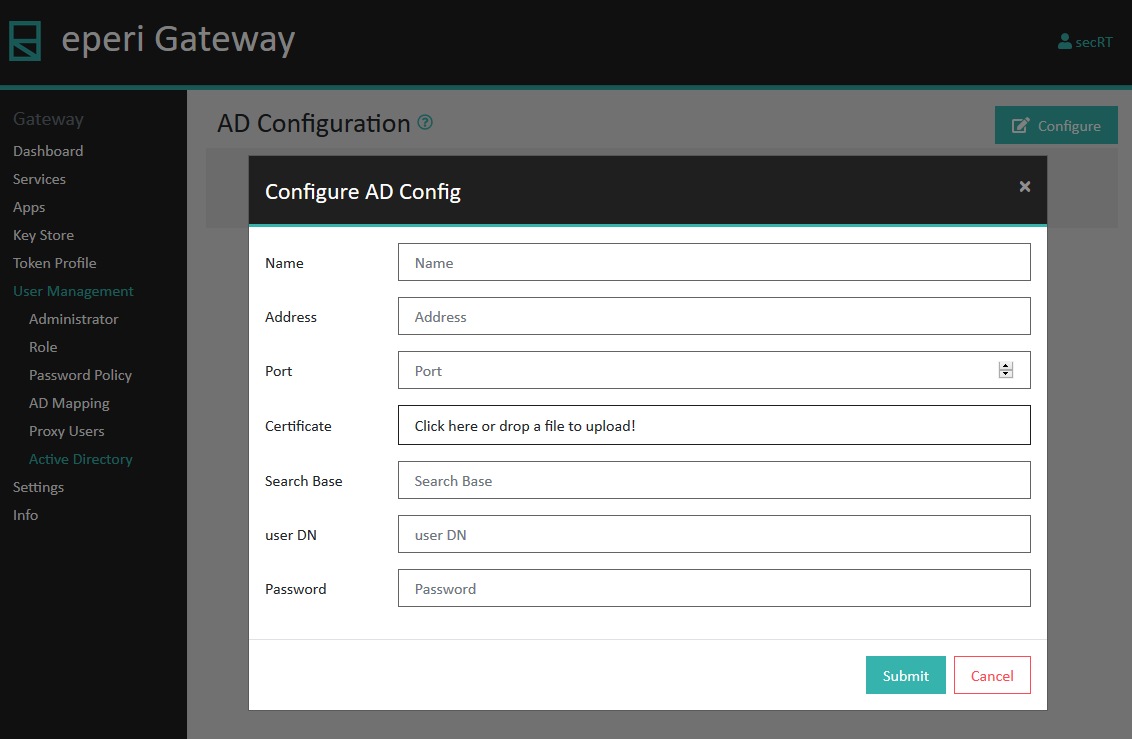
Active Directory settings
Select to configure the connection to your corporate Active Directory (AD).
This would be necessary as soon as you set up the Login Reverse Proxy App with the authentication methods "HTML or HTTP Authentication with Active Directory Bind". The Login Reverse Proxy App would be configured under the Apps tab. This is an additional authentication method on top of the standard authentication of the respective SaaS application.
An Active Directory connection is also needed if you want to manage admin accounts for the eperi sEcure Admin Console with your AD. For details, see section Active Directory integration for admin accounts.