
Login delay settings
You may configure a so-called "Login Tarpit". This allows you to specify how long an administrator must wait after several failed login attempts before he can log in to the Admin Console again.
Procedure
-
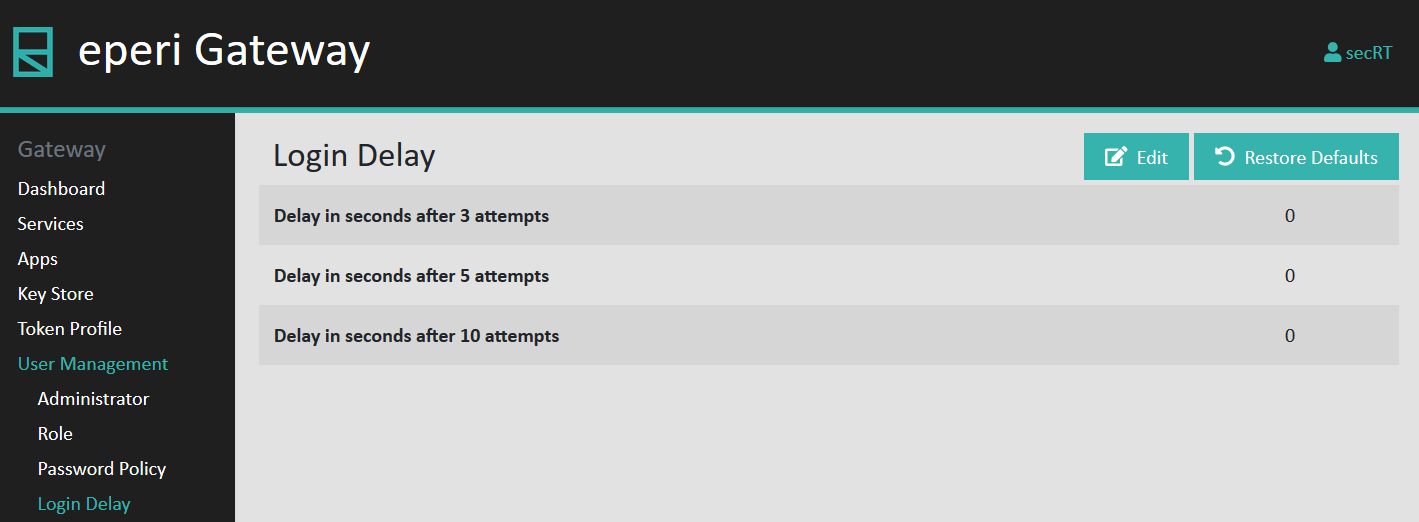
Select Login Delay in the main menu.
The default setting is displayed:
-
Click Edit to adjust the login delay to your
needs.
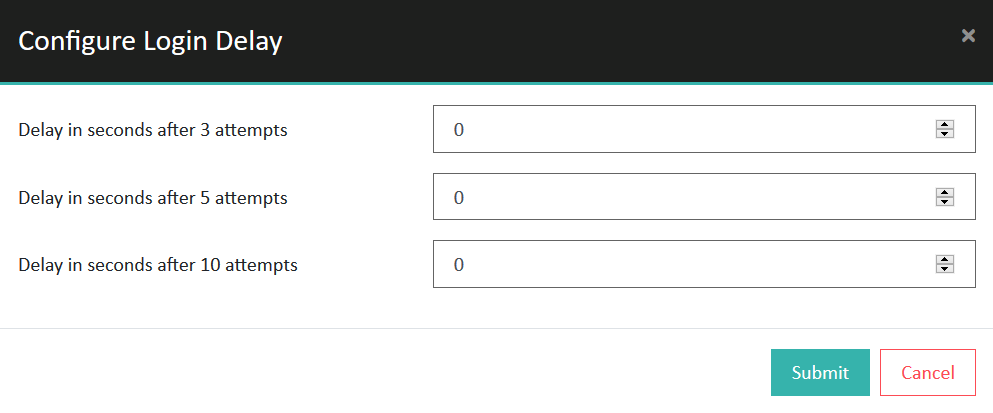
Option Description Delay in seconds after 3 attempts: Configure how long an administrator must wait after 3 failed login attempts before he can log in again. The possible values are between 0 and 86.400 seconds. Delay in seconds after 5 attempts: Configure how long an administrator must wait after 5 failed login attempts before he can log in again. The possible values are between 0 and 86.400 seconds. The entered value must be greater than the value you entered for 3 failed login attempts. Delay in seconds after 10 attempts: Configure how long an administrator must wait after 10 failed login attempts before he can log in again. The possible values are between 0 and 86.400 seconds. The entered value must be greater than the value you entered for 5 failed login attempts.