
Clear cached metadata
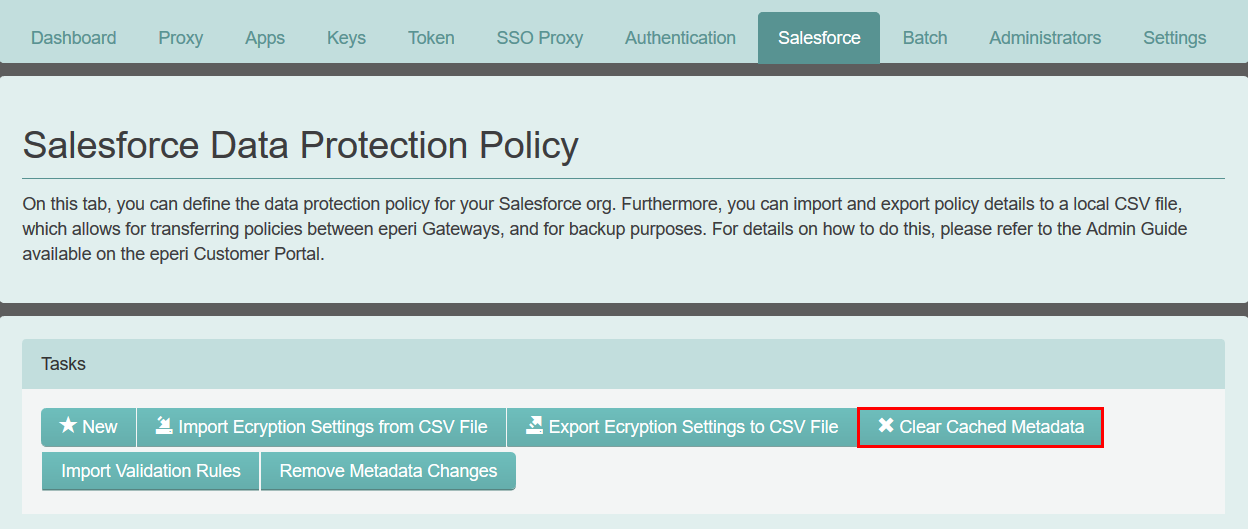
For performance reasons, eperi sEcure Platform caches the metadata from your Salesforce Org in the memory and the token database. The button Clear cached metadata allows you to clear the cache, both in memory and in the token database.
As soon as a Salesforce field has been added, deleted or modified, the metadata cached in eperi sEcure Platform needs to be refreshed.
Click Clear cached metadata to clear the cached metadata of all Salesforce objects for all users. After that the metadata will again be fetched from your Salesforce org.
- When a new custom field is added to an object and a user creates a List View filter that uses that field, the filter will not work. eperi sEcure Platform detects this and is refreshing the metadata cache of the respective object and for the respective user. After that, the filter works (available from release 20.4.1.0)
- While a background indexing task is running.
The automatic metadata refresh is enabled by default for the above use cases. In case of a problem, it could be disabled by unchecking the following property in the eperi sEcure Admin Console (): de.eperi.ca.salesforce.query.autometadatarefresh