
Setting up deduplication rules
Prevent duplicate data in your Salesforce org by setting up deduplication rules in the eperi sEcure Platform.
Before you begin
About this task
- It only works with objects that Salesforce also supports with regard to duplicate rules. For example the Opportunity object is not supported.
- You may include several Salesforce fields in one deduplication rule. In this case, the rules for those fields will be combined with the logical AND operator. Example: You may create a rule with Account.BillingCity (Exact) AND Account.ShippingCity (Exact). Then the rule will match, if the values in both fields are exactly the same.
- Deduplication rules created separately for the same object are combined with the logical OR operator.
- When a field is empty, the corresponding rule will not be applied.
- For a field which has no data protection policy in the eperi sEcure Platform you may set up a duplicate rule directly in Salesforce. But if you subsequently define a policy for such a field in the eperi sEcure Platform, it is necessary to remove the corresponding duplicate rule in Salesforce and to create a new deduplication rule in the eperi sEcure Platform as described below.
- Salesforce SOAP and REST API are currently not supported.
- Creating a deduplication rule for a related field is not supported.
Procedure
-
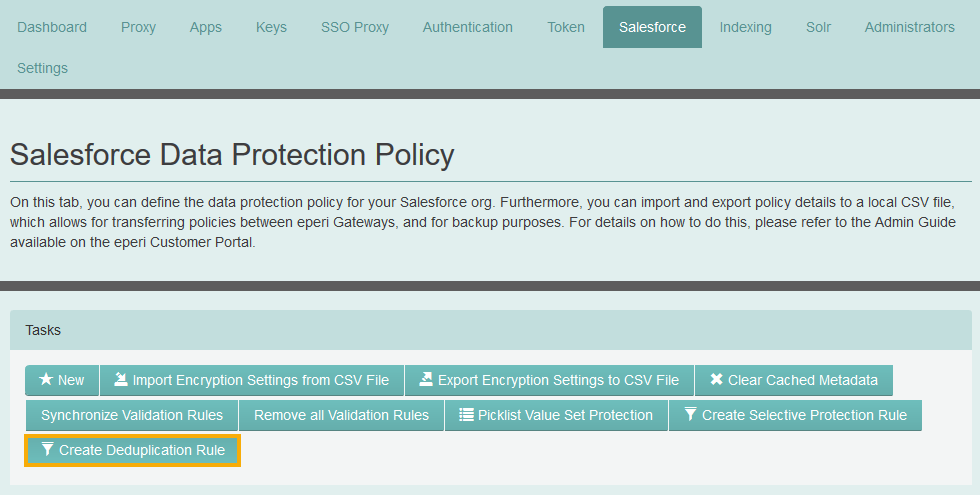
In the eperi sEcure Admin Console, select the
Salesforce tab and click Create
Deduplication Rule.
-
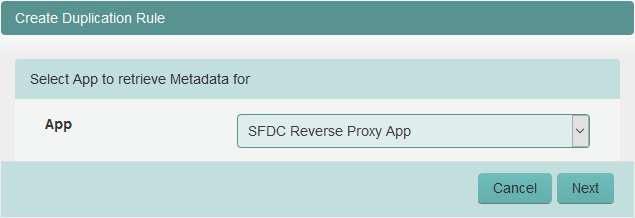
In the next menu, select from which App the credentials
for Salesforce should be used. Then click Next.
-
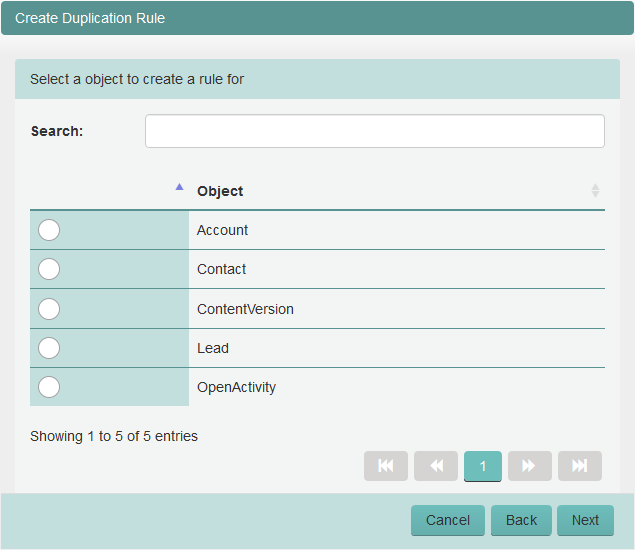
In the next menu, select a Salesforce object to create a rule for, for example
the Account object. Then click
Next.
-
In the next menu, provide the required information and then click
Finish.
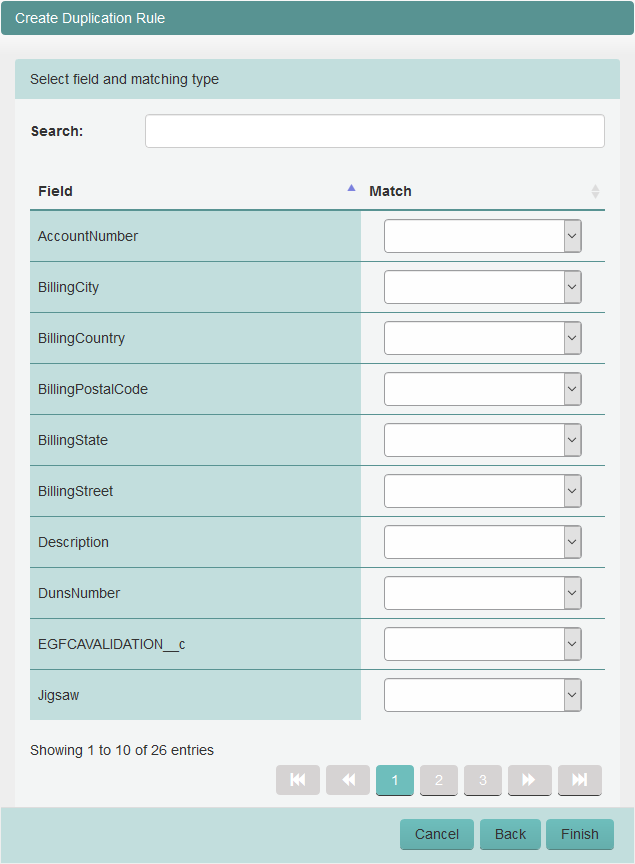
Option Description Field The field of the object for which a deduplication rule should be created. Match Select the matching method which should be applied: - Exact: A duplicate is identified when the strings are exactly the same.
- Fuzzy: A duplicate is identified when the strings are similar.
Note: For picklist fields only the matching method Exact is available.The newly created deduplication rule is displayed in the Deduplication Rules section: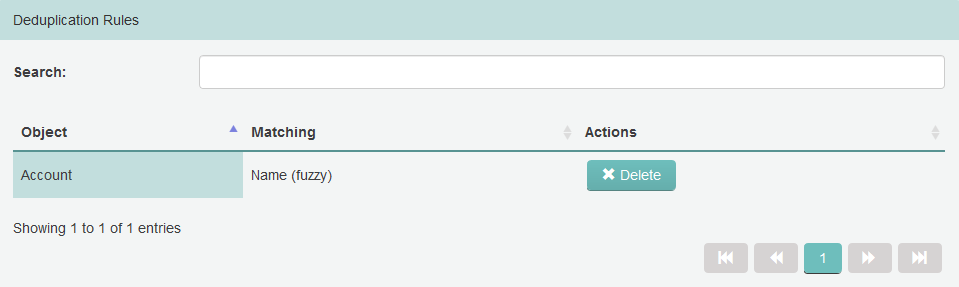
-
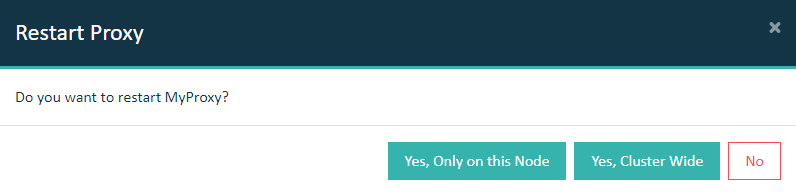
Select the Dashboard tab and restart the Salesforce
Reverse Proxy.
Important: In a cluster setup, the proxy must be restarted with Cluster Wide option.
Results
Note: You do not need to configure anything additionally in your
Salesforce org, as this is done automatically in the background by the eperi sEcure Platform. When a new deduplication rule is created, the eperi sEcure Platform will automatically create the following in your Salesforce
org:
- a hidden field "deduplicationId" in the respective Salesforce object
- a matching rule
- a duplication rule
When editing existing records or creating new records in your Salesforce org, duplicate records will be identified and displayed according to the defined deduplication rules.
What to do next
Important: Every time you change something with regard to deduplication rules
in the eperi sEcure Platform you have to restart the Salesforce Reverse
Proxy in the Dashboard tab.