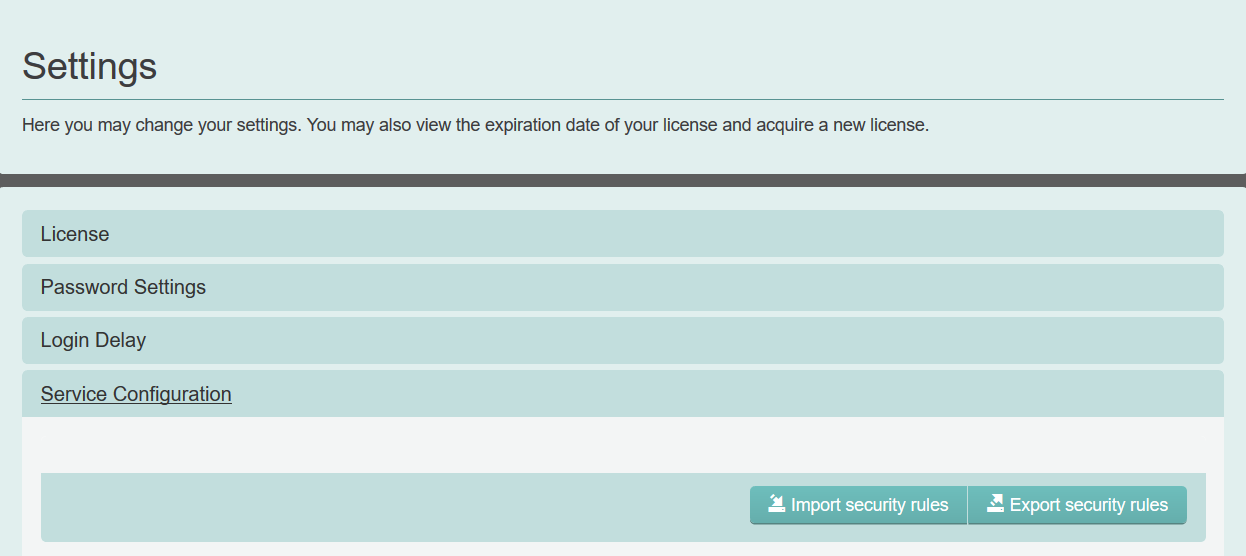
Service Configuration settings
Select to import and export all settings of the eperi sEcure Platform as previously configured through the Admin Console.
The exported security rules are stored in a local file named config.bsr. The export contains all settings made through the Admin Console, including the encryption keys. It does not contain the password of the user secRT and the software license. The export must be secured with either a password or an X.509 certificate.
Exporting the security rules may be helpful for backup purposes or if you plan to set up several identical instances of the eperi sEcure Platform, e.g. in a load-balanced scenario. You could configure one instance of the eperi sEcure Platform completely and could then export all settings by clicking Export security rules. On the second instance, you can import the identical configuration with Import security rules.