
Syslog Integration settings
The Syslog Integration allows you to configure up to 25 syslog servers to which the eperi sEcure Platform could send syslog messages.
About this task
Procedure
-
Click + New in the upper right corner to add new a
syslog server configuration.
Figure 1: Create a new syslog configuration 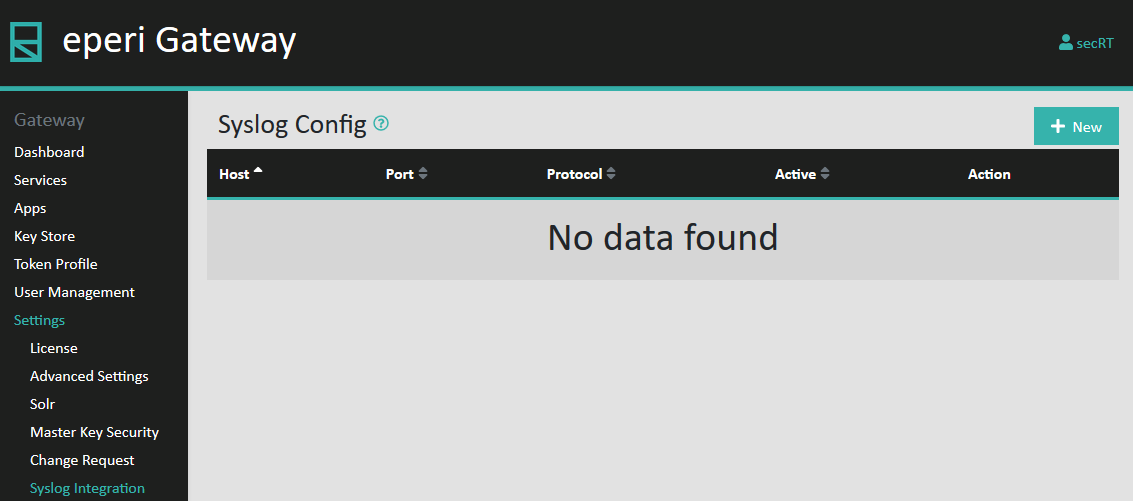
-
In the pop-up menu, specify the network Protocol
(TCP or UDP), the
Hostname of your syslog server and the
Port on which the server is listening. Confirm your
settings with Submit.
Figure 2: Enter syslog configuration details 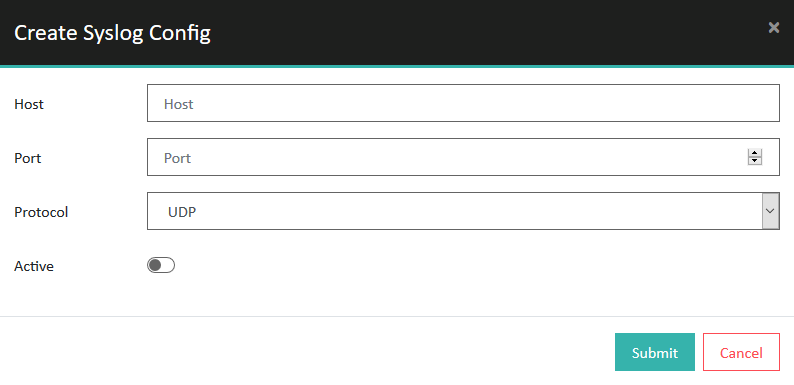 The configuration is done, but by default, the sending of messages is still disabled.
Figure 3: Syslog configuration disabled by default 
-
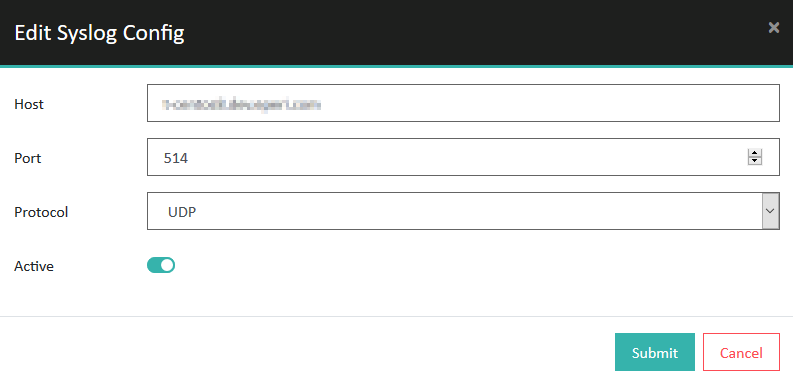
Activate your syslog configuration as follows:
-
Turn on the Active switch and then click
Submit.
-
Turn on the Active switch and then click
Submit.
Results
