Configuring the Authentication Service in Salesforce
Configure the Authentication Service in your Salesforce org.
Procedure
-
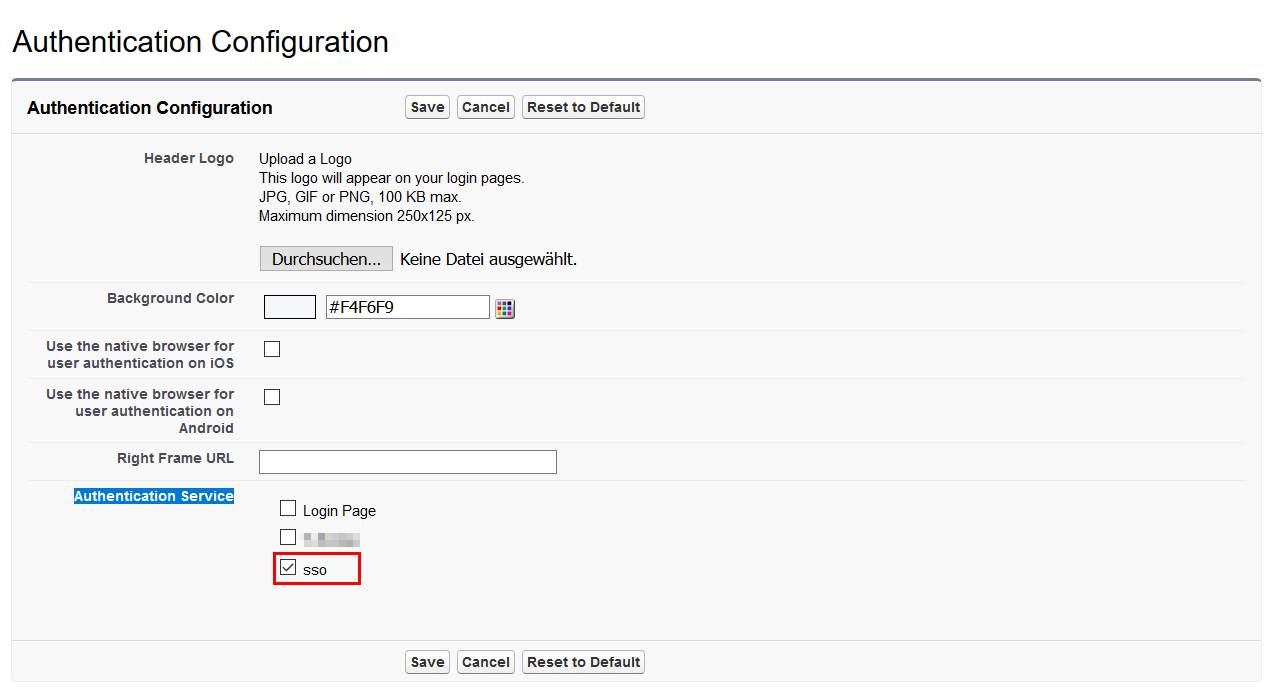
On the Authentication Configuration page select
sso as Authentication
Service.
Figure 1: Authentication Configuration