Add a new app to the eperi sEcure Platform for the Single Sign-On functionality.
Procedure
-
Log into the eperi sEcure Admin Console and click the
Apps tab.
-
Click New app.
-
In the pop-up menu, enter a name of your choice in the field
Name, e.g. SSO Reverse Proxy
App and select the app Type
SAML Claim Based Authentication Reverse Proxy.
-
Click OK.
-
Click the Proxy tab.
-
Select the reverse proxy already configured for your cloud application.
-
Click Assign apps.
-
Assign the new app to the proxy.
-
Click OK.
-
Click the Dashboard tab.
-
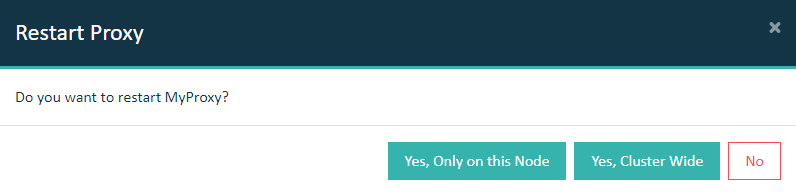
Restart the reverse proxy.
Important: In a cluster setup, the proxy must be restarted with
Cluster Wide option.