Adding a new app
By adding an app to the eperi sEcure Platform you extend it's functionality.
About this task
Procedure
-
In the pop-up menu, select the desired app Type, e.g.
Salesforce Reverse Proxy and enter a name of your
choice in the field Name field, e.g.
Salesforce Reverse Proxy App and. Then click
Submit.
Figure 1: Choose name and type of the app 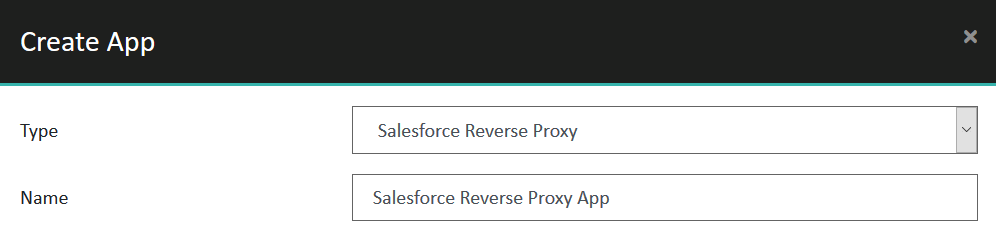
What to do next
- Depending on the app type, further configuration of the app is required.
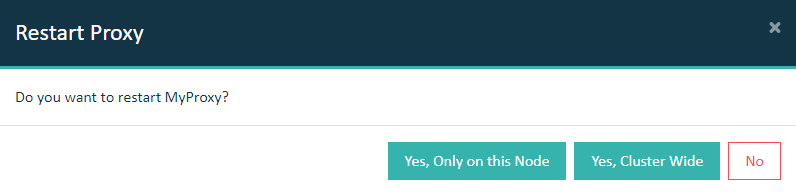
- Assign the app to a proxy and restart the proxy. Only then the app will take
effect. For details see Assign Apps to the proxy.Important: In a cluster setup, the proxy must be restarted with Cluster Wide option.