Deleting an app
If an app is no longer required, you can delete it.
Before you begin
About this task
CAUTION: This action could seriously affect the functionality of the eperi
Gateway. Before you delete an app, make sure that it is not needed anymore.
Procedure
-
Click the Delete option at the respective app you want
to delete.
Figure 1: Deleting an app 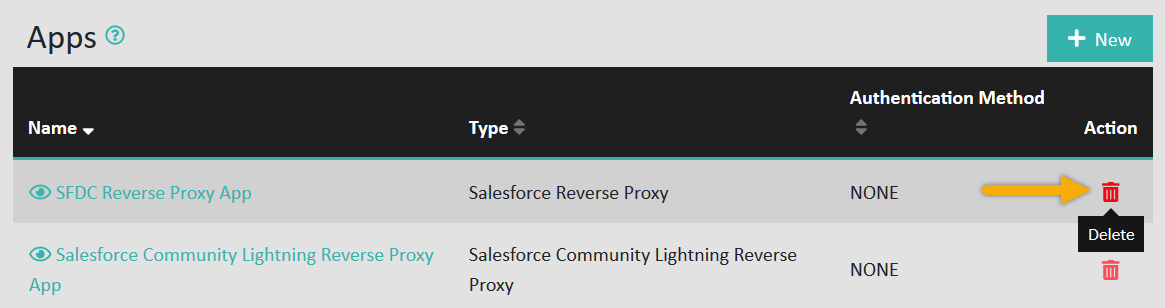
-
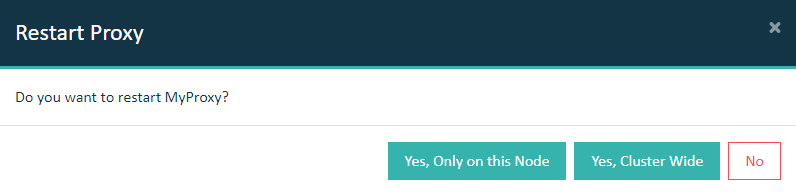
If the app was assigned to a proxy, you must restart the proxy in the
Dashboard tab.
Important: In a cluster setup, the proxy must be restarted with Cluster Wide option.