Deleting an app template
If an app template is no longer needed, you may delete it.
Before you begin
Note: If you need this function, please switch to the old version of the eperi sEcure Platform Admin Console.
Procedure
-
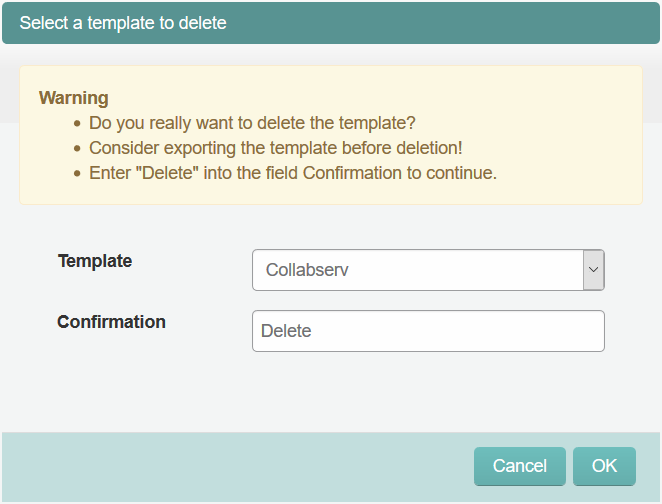
In the pop-up menu, choose the Template you want to
delete and enter Delete in the
Confirmation field.
Figure 1: Deleting an app template