Exporting an app template
Export an app template to view or edit it.
Before you begin
Note: If you need this function, please switch to the old version of the eperi sEcure Platform Admin Console.
Procedure
-
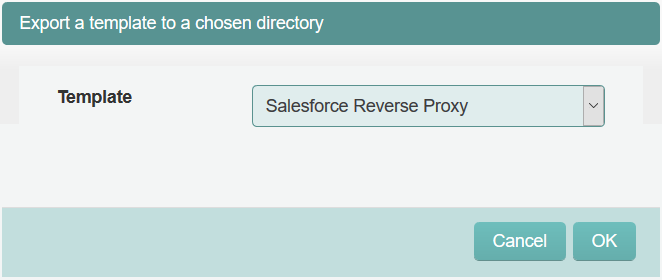
In the drop-down menu of the pop-up, choose the Template
you want to export, then click OK.
Figure 1: Select an export an app template