Importing an app template
Import a new app template or a newer version of an app template.
Before you begin
Note: If you need this function, please switch to the old version of the eperi sEcure Platform Admin Console.
- You have an updated XML template provided by eperi.
- The version of the template must be higher than the version that is currently used in the eperi sEcure Platform. Otherwise, the template cannot not be imported. The version number of the XML template can be seen at the top of the XML file when viewed via a text editor/viewer.
In the configuration details of an app you can review the version which is currently installed:

About this task
Procedure
-
In the pop-up menu, choose the template file that you would like to import.
Then click OK.
Figure 2: Import Template - choose template file 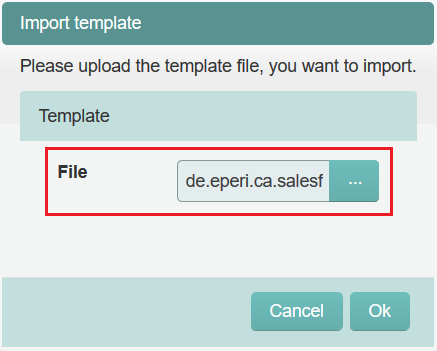
Results
Note: If you import a new version of an existing app
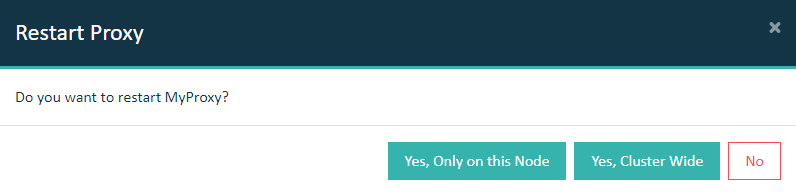
template, then you will need to restart the proxy (via the
Dashboard tab) for the new version to become active. If
you are importing a new template, the app won't be created automatically. You are
required to separately add the app manually after importing it. See the task Adding a new app.
Important: In a cluster setup, the proxy must be restarted with Cluster Wide option.