
Connecting your Active Directory to eperi sEcure Platform
Configure the connection to your Active Directory in the eperi sEcure Admin Console.
Procedure
-
Select in the main menu.
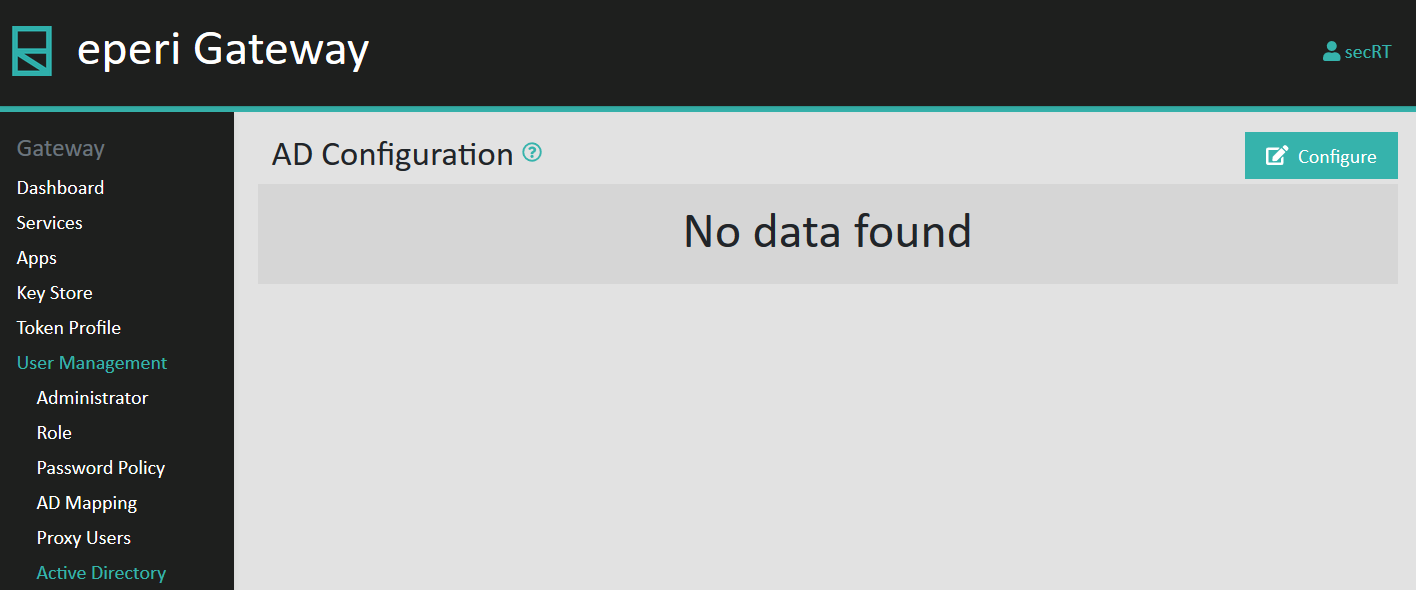
-
In the Configure AD Config menu, provide the required
connection details for your Active Directory and then click
Submit.
Figure 1: Active Directory configuration 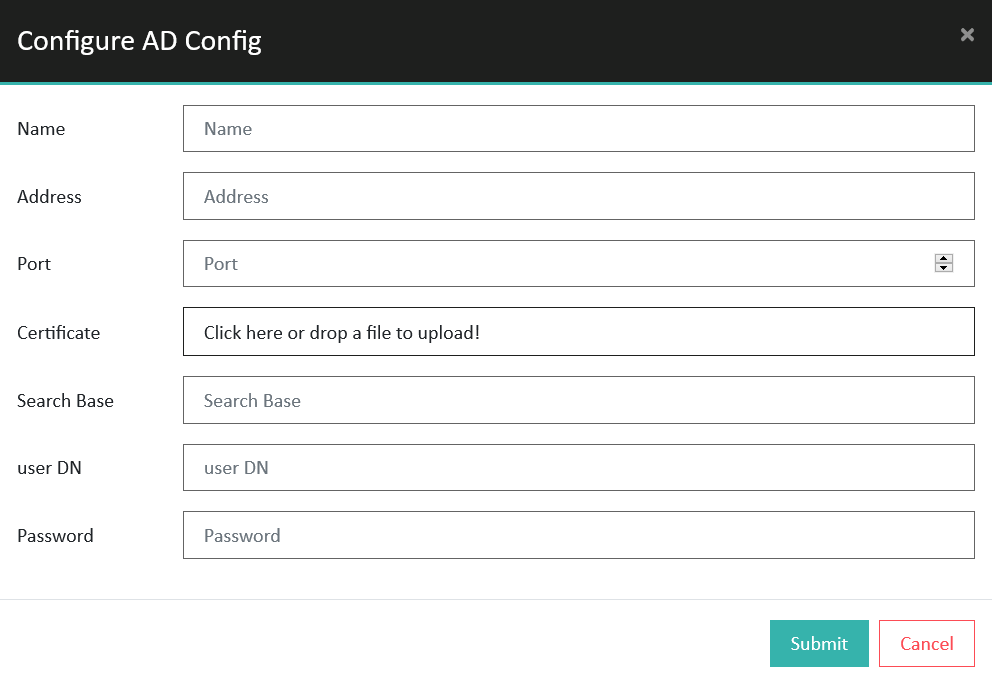
Option Description Name A name of your choice for the configuration Address The hostname or IP-address of your Active Directory server Port The port of your Active Directory service, for example 389 Certificate An SSL certificate (required, if you are using LDAPS) Search Base The search base for your Active Directory in the form of a distinguished name (DN), e.g. DC=eperi,DC=de user DN A valid user for your Active Directory (read-only permissions are sufficient) Password The password of your Active Directory user Upon successful configuration a corresponding success message is displayed: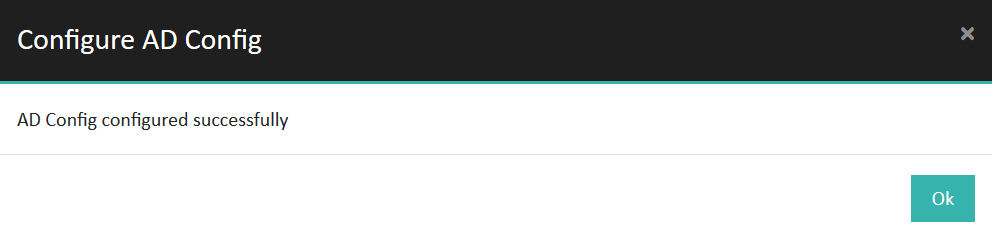
If an error is displayed, please check the entered data.