
Importing all AD groups of an OU at once
Instead of creating each AD group individually, you also have the option to import all AD groups contained in an organizational unit (OU) at once.
Procedure
-
Click Import in the upper right corner.
Figure 1: Import Group Mapping 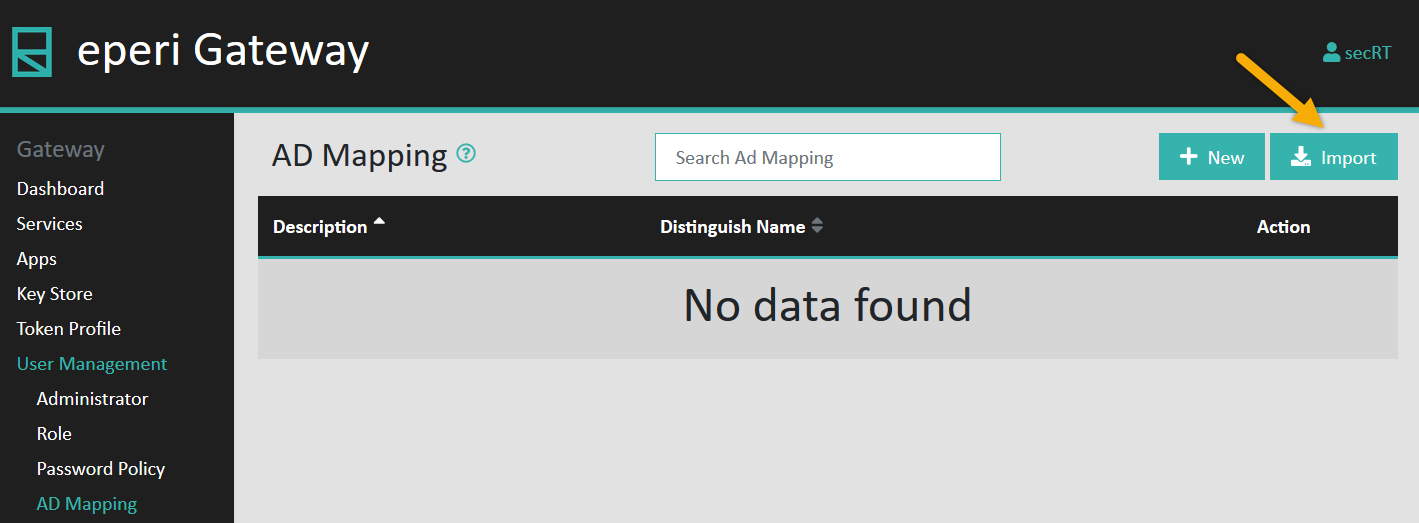
-
In the pop-up menu, enter the distinguished name (DN) of the respective OU and
then click Submit.
Figure 2: Enter the DN of the OU 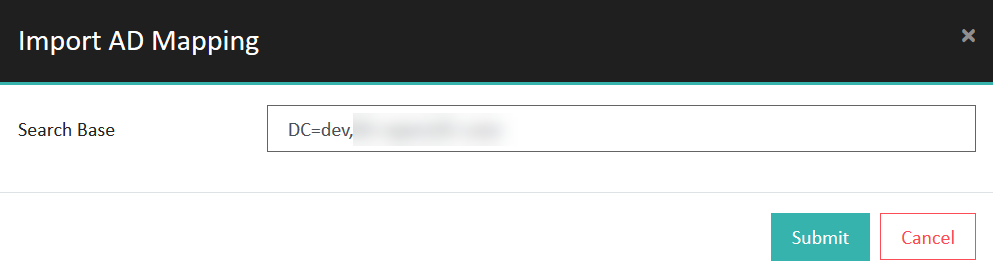
Results
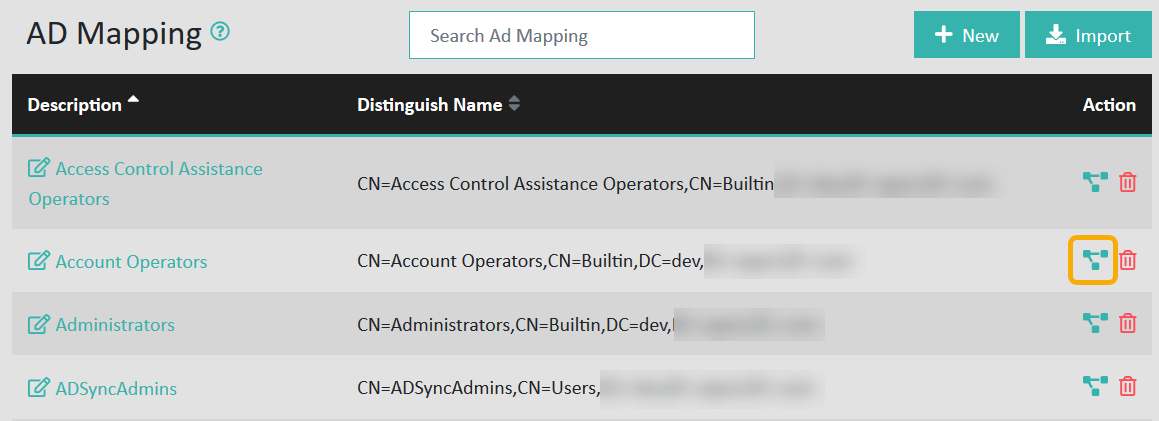
Note: AD groups that have already been created via + New
remain untouched and will not be imported again.