Assigning roles to an administrator account
How to assign authorization roles to an administrator account.
About this task
In the Authorization concept for administrators you will find more information about the available authorization roles.
Procedure
-
In the list of administrators, click the Assign Roles
action for the corresponding entry.
Figure 1: Administrators page - Assign Roles action 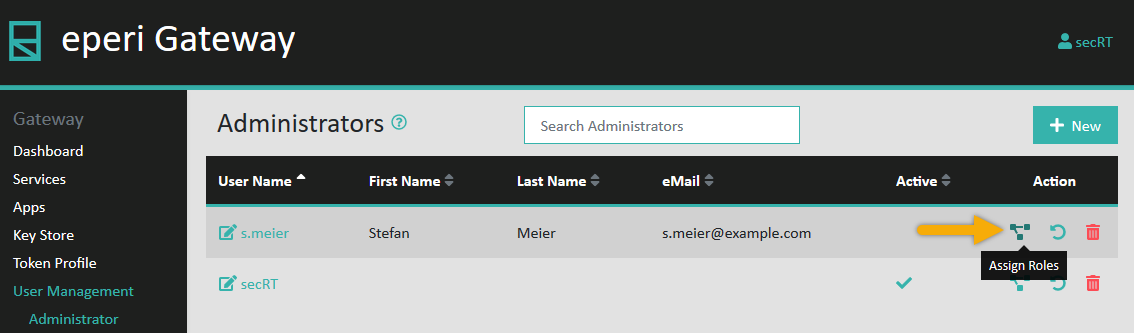
-
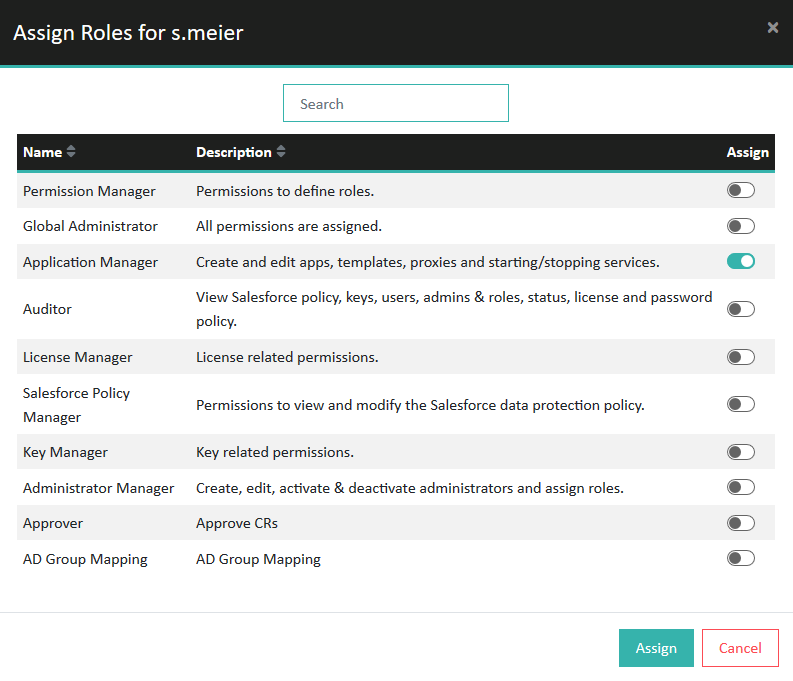
In the pop-up menu, assign the required roles for the account, then click
Assign.
Figure 2: Assign roles