
Deleting an administrator account
How to delete an administrator account that is no longer needed.
Procedure
-
In the list of administrators, click the Delete action
for the corresponding entry.
Figure 1: Delete admin action 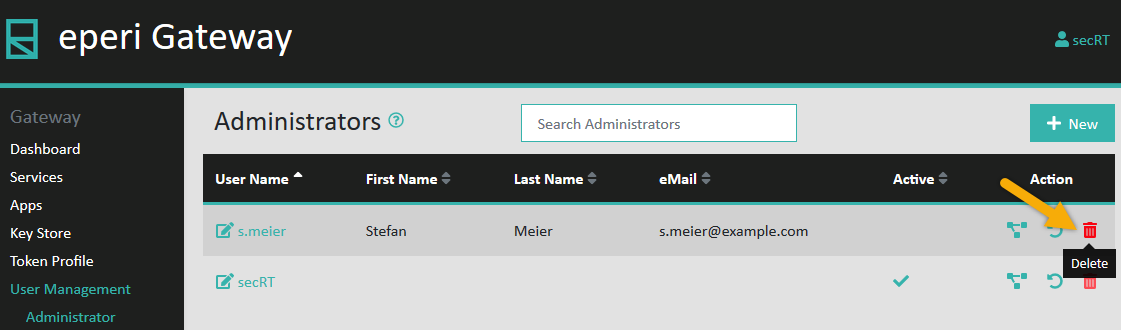 A safety query will be displayed, asking you to confirm that you want to delete the account.
Figure 2: Safety query 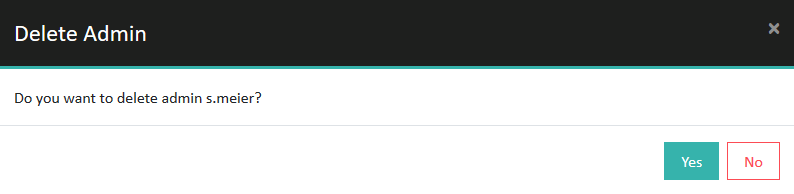
Results
Important: Once an administrator is deleted, they will not be
able to perform an action immediately. The next time they click something in the
Admin Console they will automatically be logged out.