Creating a new administrator role
How to create a new administrator role and assign permissions to it.
Procedure
-
Select in the main menu.
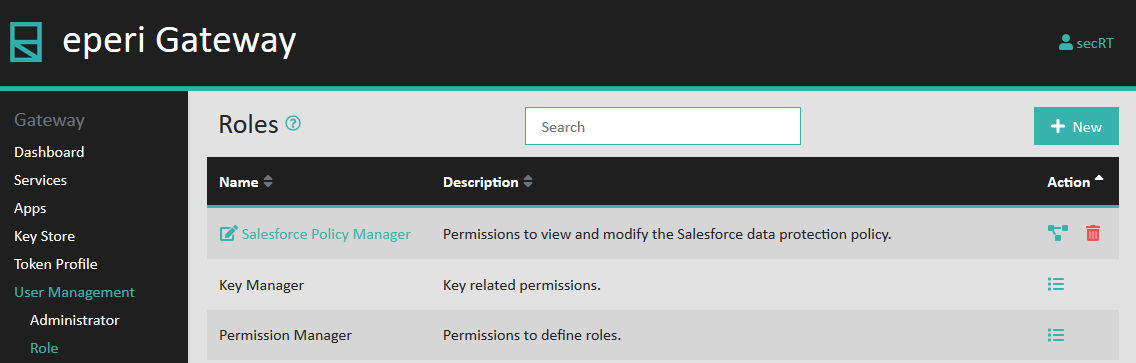
-
Click + New in the upper right corner.
A pop-up will open, prompting you to enter the details for the new administrator role.
Figure 1: Details for the new admin role 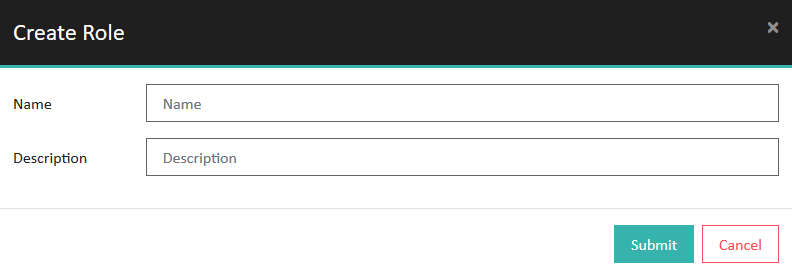
-
Provide the required information and then click
Submit.
Option Description Name Enter a unique name for the role. Description Enter a description of the role. The new role has been created and appears in the list of roles.Figure 2: New role created 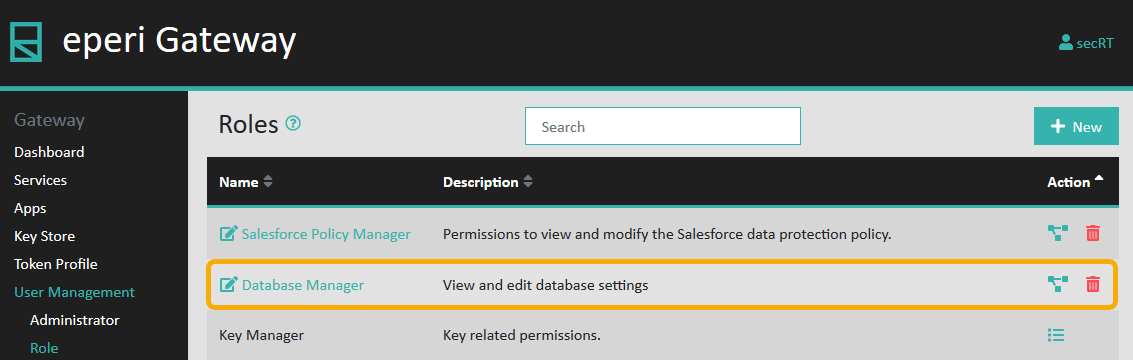
-
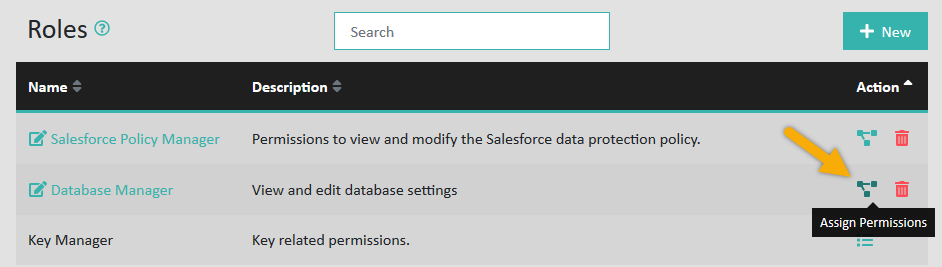
Click the Assign Permissions action in the row with the
new role.
-
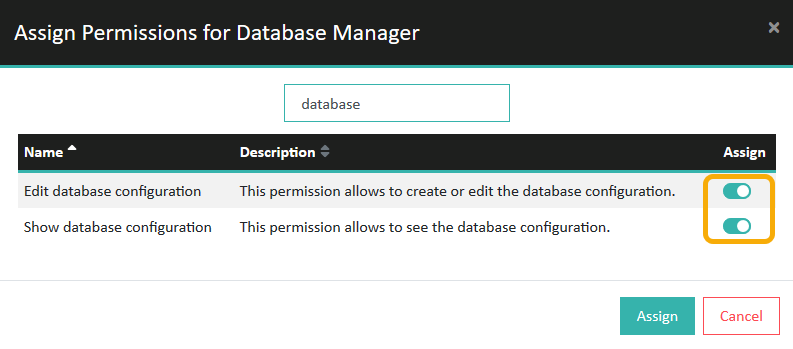
Select the desired permissions for the role, then click
Assign.
Figure 3: Assign Permissions to new role